
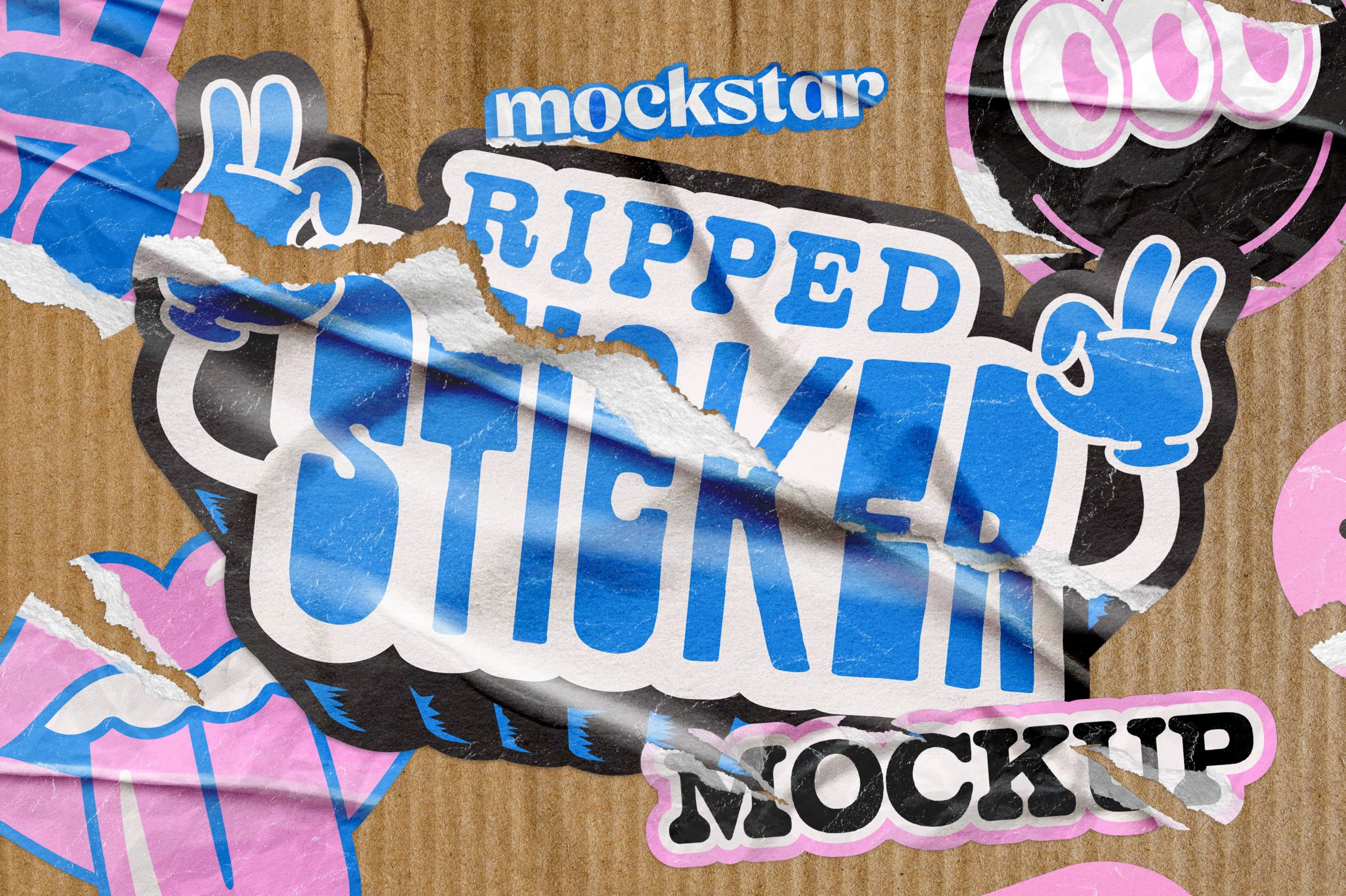
UPDATED: NOW COMPATIBLE WITH ADOBE PHOTOSHOP AND AFFINITY PHOTO 2
Take your sticker design and make it realistically distressed with our Ripped Sticker Mockup.
This mockup lets you create your own realistic custom sticker shapes without being limited to standard shapes and sizes.
With pre-set settings and scenes you can pick the texture that you like best, save it, and then share with the world!
With 9 different rip effects you can choose from, you have complete control over how your design looks.
Each rip effect comes with further customizations you can apply to adjust the gloss or texture of the paper, and a range of different wrinkle options you can either toggle on or off. Too easy!
Like what you see? We've also created the Custom Shape Sticker mockup, it’s worth a look!
Features
9 different rip effect options – horizontal, vertical, distressed 1, distressed 2, small, bottom, top, right side, left side rip/s
Customize the opacity in all the rip effect options for subtle or dramatic looks
Customizable color background with optional texture
Six background texture image options (supplied as separate files to keep the main mockup file of a reasonable file size)
Specifications
Adobe Photoshop PSD files and Affinity Photo 2 files with smart object placement
File Size: 1.08 GB (755.7 MB zipped)
Dimensions: 4000 x 2500 px
300 dpi
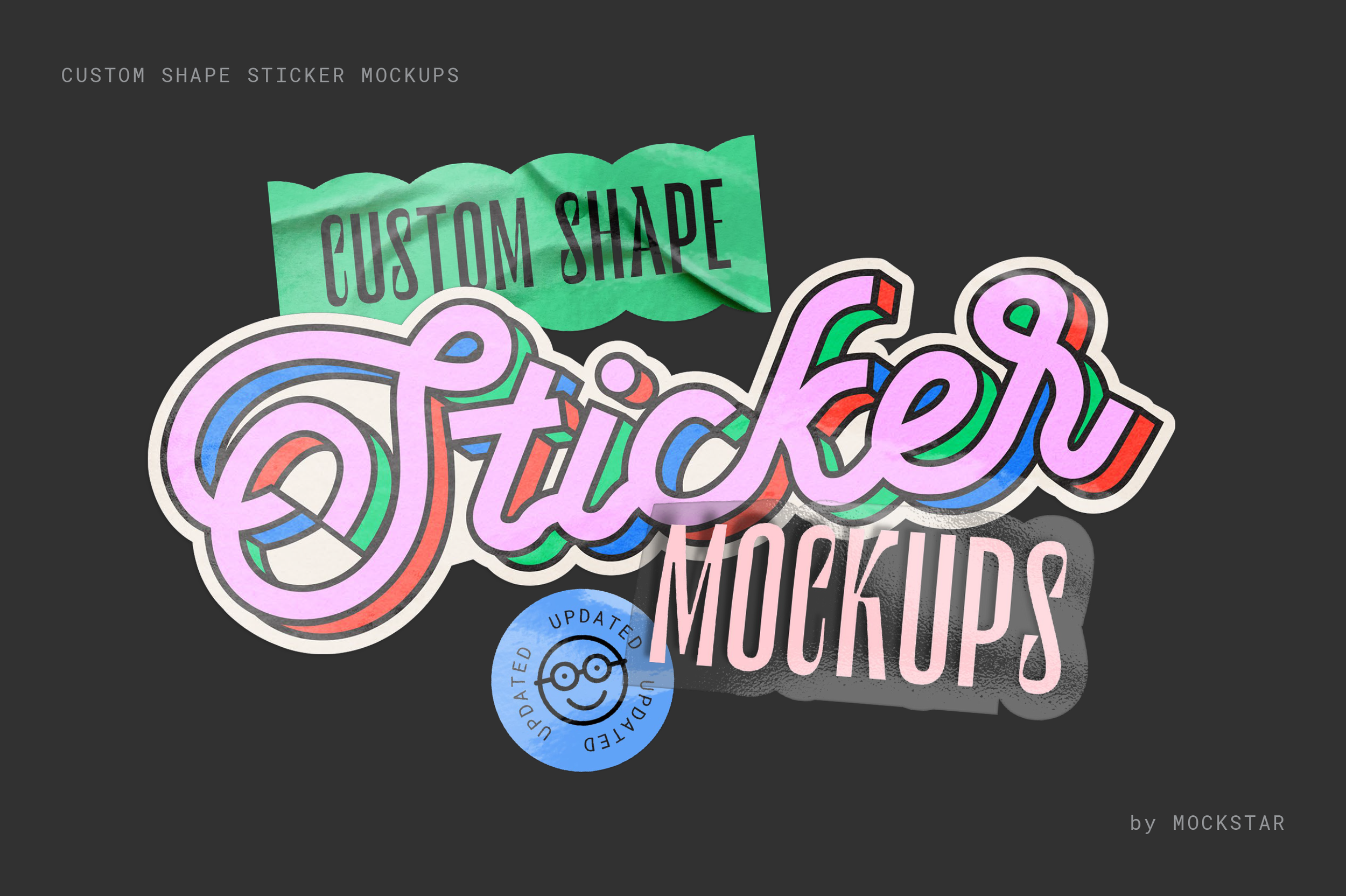
UPDATED: NOW COMPATIBLE WITH AFFINITY PHOTO 2 AND ADOBE PHOTOSHOP
Break free from traditional sticker shapes and sizes! This mockup lets you effortlessly design realistic, custom-shaped die-cut stickers. Simply choose from a range of pre-set styles and scenes that suit your artwork, then hit save – it's that easy!
Simple to use
Just add your design elements in to the smart object layer and hit save!
Become a pro in no time by watching the demo video, which guides you through each step to make your sticker design look amazing.
Shiny goodness
Choose from several simple metallic effects for some added shine to your design. Please note: This effect works best with high contrast artwork (e.g. black and white).
You're in control
Add extra wrinkle details, increase the gloss texture, control the shadow strength... You're in control of how you want your sticker scene to look.
Make a scene!
Now with 4 new scene option files, take your created sticker, save it as a transparent png, then simply import in to one of the 4 scene files for a highly realistic sticker scene.
Get a quick preview into how it works here over on our Youtube channel.
This mockup is incredibly versatile, perfect for branding, logos, illustrations, or text designs. Add it to your toolkit today and elevate your creative projects!
What's included in this mockup?
A total of 11 sticker files for both Photoshop & Affinity – Flat, Curled, Peel, Stack for both standard and transparent stickers, plus 4 x sticker scene files – multi-sticker scene, sticker in hand, sticker on finger, sticker hand pinch.
A PDF informational guide which provides links to our step-by-step user videos walking you through how to use each sticker mockup file
Specifications
Customizable 300dpi templates for Adobe Photoshop and Affinity Photo 2
A PDF instruction guide
Video guides demonstrating the key features
Add vintage vibes to your digital illustration and design work with our Vintage Stamp Textures for Adobe Photoshop and Affinity Photo 2.
Simply import your artwork in to the mockup and choose from 6 stamp texture presets to age your artwork with gritty goodness. This mockup replicates an old-style stamp / single color printing press, so works only with single color designs.
Well organised layers and a quick demonstration video will help you customise your output, as well as 7 paper background options to showcase your designs on.
Check out this video on our YouTube channel to see how you can create highly realistic stamp branded packaging using a logo with the Vintage Stamp Texture effect applied
Love our Retro Print effect as well? Our Vintage Stamp & Retro Print bundle saves you 20% off the combined individual price. Check it out here.
Features
6 stamp texture effect preset options to choose from – Inkpad light, Inkpad smudge, Halftone, Halftone wave, Grit & Crackled
7 high resolution paper background textures to choose from
Overlay your results for layered compositions
Works well over photographs to mimic a stamp print
Video demonstration to help you achieve the best results
Specifications
Adobe Photoshop and Affinity Photo 2 files with smart object placement
File Size: 375.62 MB
Dimensions: 4000 x 3000 px
300 dpi