
Photoshop Effects + Actions
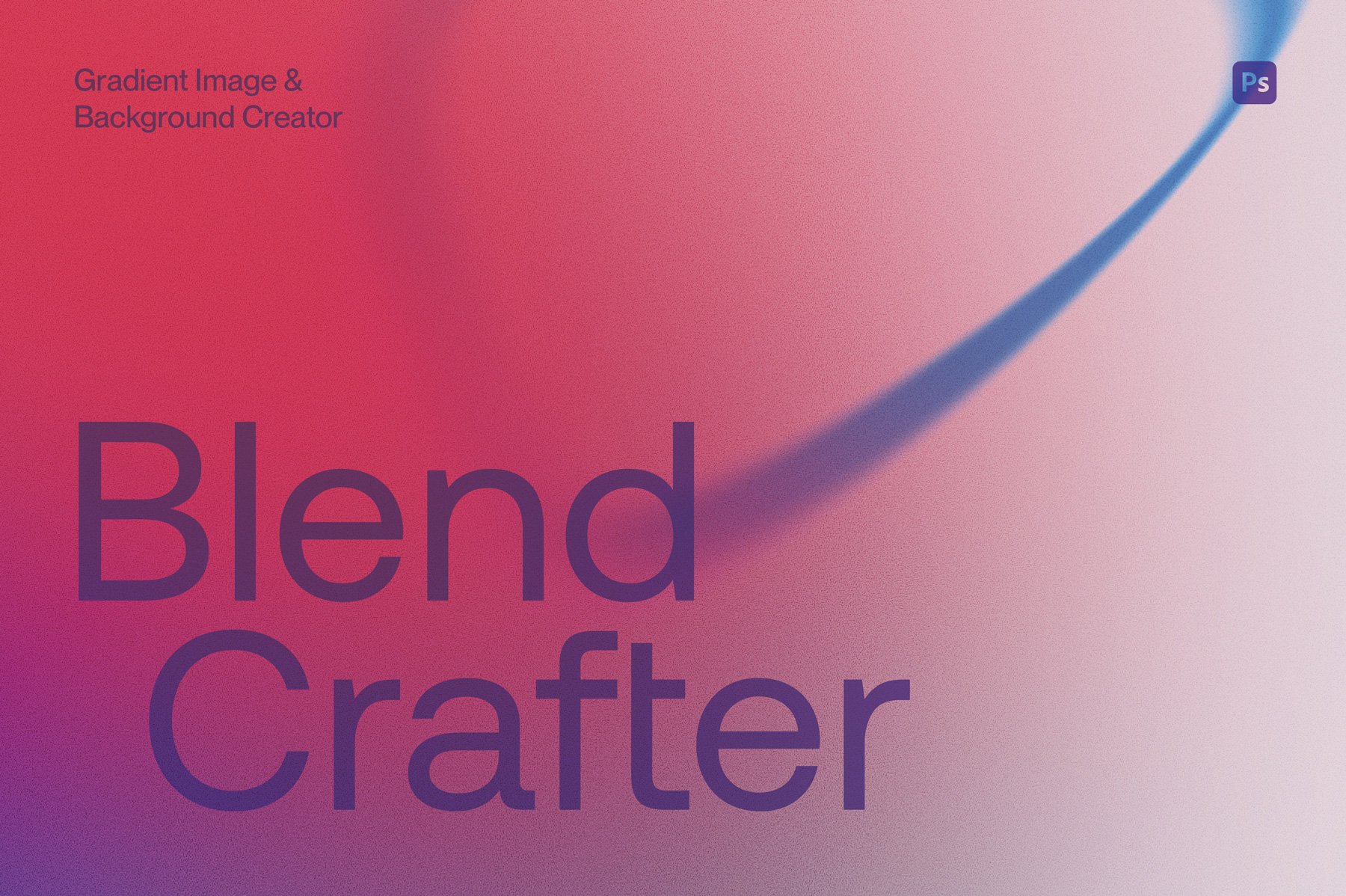
Blend Crafter is a versatile abstract gradient maker for Photoshop that easily helps you create customisable gradient shapes, images and backgrounds.
With over 50 shape elements, 24 backgrounds, and more than 100 gradient presets, this generator equips users to produce unique and distinctive imagery in limitless ways.
How to use: Tailor the colours of the backgrounds and shape elements using the provided gradient presets, or uniquely customise the colours to your specific needs and preferences. Layer up the gradient shapes to create your own unique and bespoke images and backgrounds.
Watch the preview video here to see more: https://youtu.be/U_QzTsWw1uA
Features
• Two Photoshop files – Blend Crafter Shape Maker.psd contains 56 pre-made color customizable shape gradients and Blend Crafter Background Maker.psd contains 24 pre-made color customizable background gradient scenes.
• A gradient file (.GRD) containing over 100 preset gradient swatches to import in to Photoshop
• Large template files: 5000x5000 px @ 300dpi
• Five optional grain texture filters – apply your preferred grain texture or toggle off
• Two helpful user videos to help walk you through customization

Get our popular Vintage Stamp, Retro Print and Halftone Texture effects for Photoshop for the special bundle price, saving you 35% off the regular combined price.
Included are:
A highly realistic stamp effect texture creator that is useful across a whole range of applications such as branding, illustration and typography.
Compatible with Adobe Photoshop and Affinity Photo 2
6 texture preset options
Produces a single color only design
For vector/illustrative based graphics rather than photos
Editable background color or 4 paper background options to choose from
Compatible with Adobe Photoshop
3 preset options depending on the amount of ink overlap you prefer
Adds gritty texture to your color artwork
Customise your ink overlap colors
For vector/illustrative based graphics rather than photos
Editable background color or 4 paper background options to choose from
Compatible with Adobe Photoshop
Choose from 7 different halftone texture options
Combine up to two images for layered designs or collages
Works best with photographs, but can also be used on vector graphics and type
Editable background color with optional texture

Are you looking for an easy way of adding some vintage flair or grit texture to your artwork? Love that nostalgic screen print texture look too? Well, look no further.
Our Retro Print Texture Effect for Photoshop is designed to help you achieve the look and feel of old-school printing techniques in your modern design projects. Just import your design, customise it with the built-in textures and effect settings—and voilà! You’ve got yourself a retro masterpiece.
Whether you’re an illustrator or designer looking for a way to create authentic-looking artwork or just someone who loves vintage design styles, Retro Print is for you!
See the Retro Print Texture Effects demo video: https://youtu.be/Wj0yGjmzO3w
Love our Vintage Stamp effect as well? Our Vintage Stamp/Retro Print bundle saves you 20% off the combined individual price. Check it out here.
Features
Fully named and organised layers
6 effect overlays and 4 paper texture options
2 customisable print effects
A demo video showing Retro Prints features in action. With just a few clicks, you'll be able to turn your designs into authentic-looking retro prints in no time at all.
Specifications
Adobe Photoshop psd files with smart object placement
File Size: 557.7 MB
Dimensions: 4000 x 3000 px
300 dpi
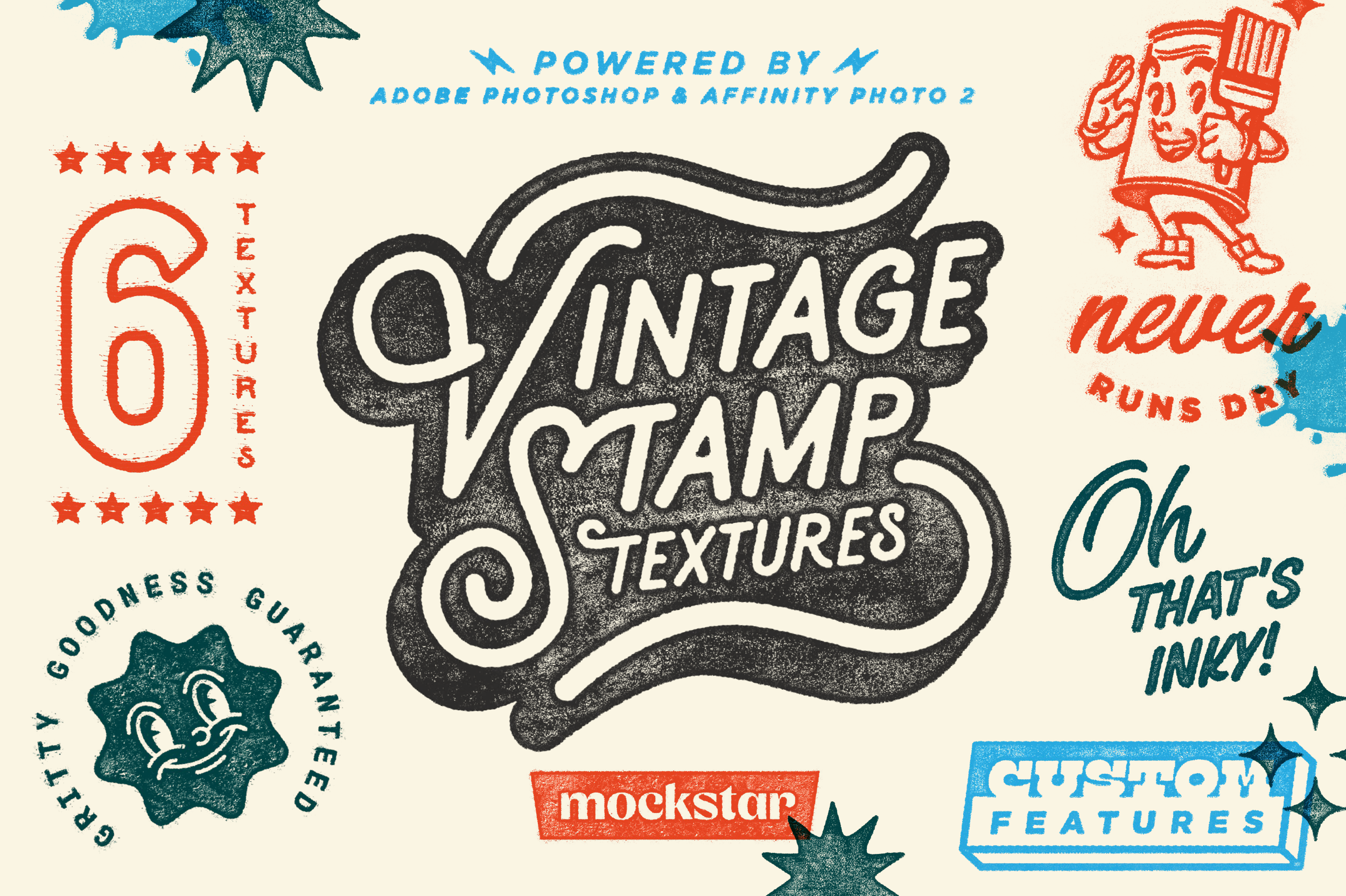
Add vintage vibes to your digital illustration and design work with our Vintage Stamp Textures for Adobe Photoshop and Affinity Photo 2.
Simply import your artwork in to the mockup and choose from 6 stamp texture presets to age your artwork with gritty goodness. This mockup replicates an old-style stamp / single color printing press, so works only with single color designs.
Well organised layers and a quick demonstration video will help you customise your output, as well as 7 paper background options to showcase your designs on.
Check out this video on our YouTube channel to see how you can create highly realistic stamp branded packaging using a logo with the Vintage Stamp Texture effect applied
Love our Retro Print effect as well? Our Vintage Stamp & Retro Print bundle saves you 20% off the combined individual price. Check it out here.
Features
6 stamp texture effect preset options to choose from – Inkpad light, Inkpad smudge, Halftone, Halftone wave, Grit & Crackled
7 high resolution paper background textures to choose from
Overlay your results for layered compositions
Works well over photographs to mimic a stamp print
Video demonstration to help you achieve the best results
Specifications
Adobe Photoshop and Affinity Photo 2 files with smart object placement
File Size: 375.62 MB
Dimensions: 4000 x 3000 px
300 dpi
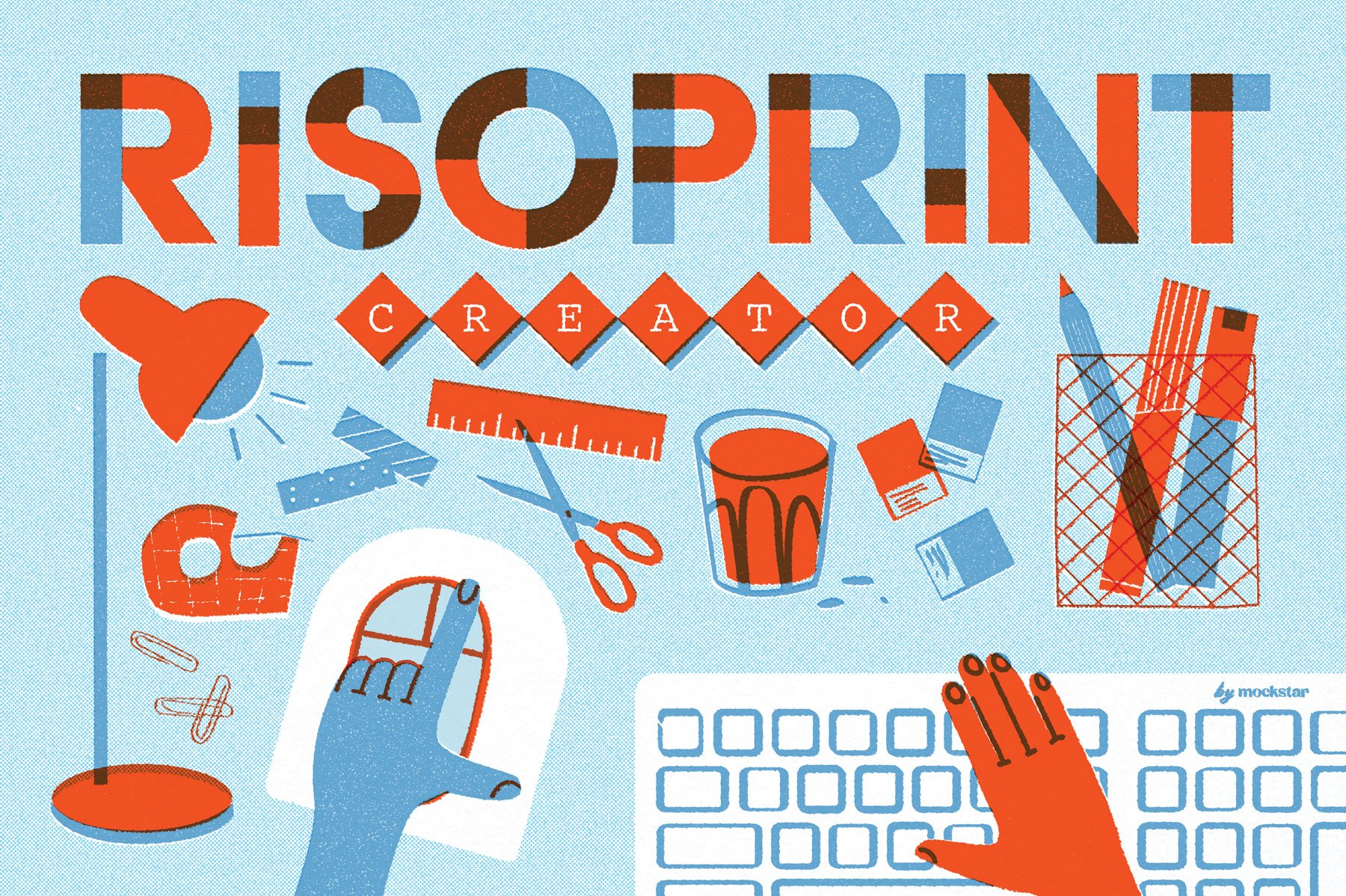
Unleash your creativity and design captivating visual compositions that perfectly capture the unique charm of a Risograph print using our Risoprint Creator texture effect for Photoshop.
Layer vectors or photos effortlessly with the choice of up to five vibrant colors and three texture options, ensuring your artwork becomes a true reflection of your imagination.
Discover how easy it is to use by checking out our quick preview video on YouTube, where we show you through the process of importing your designs and customizing colors.
Features
Two high resolution customisable mockup templates – one at 4700 x 4700px (15.667 x 15.667inches) @ 300 DPI, and the other, an XL version at 10800 x 10800px (36 x 36inch). Please bear in mind with the XL file, it is large in size (1GB+) and may be slow to make adjustments depending on your computer's processor speed.
Fully named and organized layers
3 texture effect options (clean effect, grainy effect, halftone effect)
The ability to layer up to 5 colors
Control the color, exposure and brightness levels of your color layers to bring out the details you need.
The mockup can compensate for light or dark backgrounds
PDF user guide
A video walkthrough of the Risoprint Creator in action.
For more in-depth tutorials on making customizations, check out our blog posts here on How to make colour adjusts and How to make texture adjustments.
Specifications
Adobe Photoshop psd files with smart object placement
File Size: 338 MB
Dimensions: 4700 x 4700 px
300 dpi

Inspired by the aged textures, tones and imperfections of retro magazines, posters and advertising, the Time-worn Print Effect for Photoshop will take your clean digital images back in time and weather them with gritty printed halftone goodness.
Simply import your artwork in to the smart object and choose from 3 unique preset styles. Customize them even further with the optional old-style paper textures and color overlays. You can even fine-tune the tones and the amount of grittiness to create convincingly nostalgic results.
Features
Two high resolution (4000 x 3000px @ 300DPI) mockups - horizontal and vertical options
Fully named and organized layers
3 print effect settings
6 optional paper textures
10 optional customizable color overlays
PDF user guide with visual instructions
A quick video demonstration
Specifications
Adobe Photoshop psd files with smart object placement
File Size: 1.47GB (zipped)
Dimensions: 4000 x 3000px
300 dpi
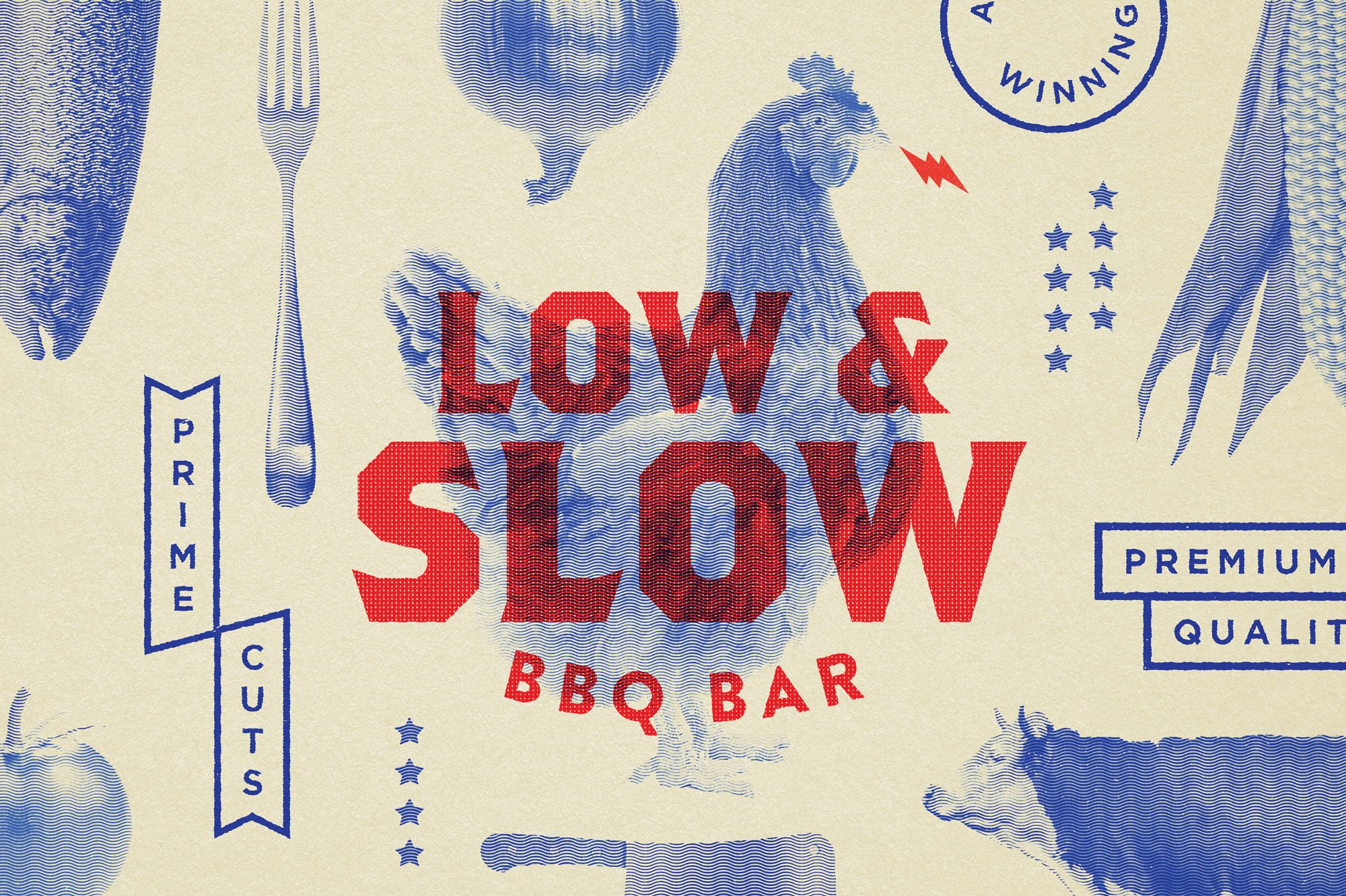
Introducing our Halftone Texture Effect for Adobe Photoshop, the quickest and easiest way to authentically replicate vintage print processes and achieve stunning halftone filter effects.
Why spend endless hours with Photoshop brushes when, in just a few clicks with this preset file, you can transform your artwork into a distinctively crafted and nostalgically retro masterpiece.
Our Halftone Texture Effect offers 7 unique halftone patterns to choose from, allowing you to customize your artwork with ease. Simply import your artwork into the smart objects and watch as the magic unfolds. No more searching for tutorials on 'How to make a halftone in Photoshop' – this photoshop action makes it effortless!
Take your creativity to the next level by layering up to two separate images and applying different halftone effects and colors. This opens up a world of possibilities, allowing you to create dynamic layered designs and captivating collages.
Further enhance your designs by adjusting the halftone pattern size and direction. Experiment with different settings and find the perfect look for your artwork. Whether you're aiming for a bold comic book halftone effect or playing around with the best color halftone settings in Photoshop, our Halftone Texture Effect has you covered.
No more brush battles - just smooth sailing to stunning visuals!
Features
One high resolution (4500 x 4500px @ 300DPI) mockup for Photoshop
Fully named and organized layers
7 editable halftone effect patterns to choose from
Editable background color with optional texture
PDF user guide with visual instructions
A quick video demonstration
Specifications
Adobe Photoshop psd files with smart object placement
File Size: 1.19GB (468.1 MB zipped)
Dimensions: 4500 x 4500px
300 dpi

Our Vintage Stamp and Retro Print effect mockups easily transform flat graphics to artwork that’s rich in texture and gritty goodness.
Simply import your art and choose the print effect styles that gives your design an authentic look. You have control over the style that best suits your design, all the while making artwork that’s convincingly nostalgic.
Save 20% when purchasing this bundle package!
This bundle contains the files for:
Vintage Stamp Texture Effect
Retro Print Texture Effect
For a full description on what’s included in each mockup, please click on the links above to take you to the individual product listing.

Create your own highly realistic spray painted designs with our Spray Paint Effect Creator.
With this effect you can layer up to four colors and have the choice of using two display outputs (one which looks freshly painted and the other more weathered).
Customize your design even more with extra spray effect flourishes like splatters and drips that you can place on key areas of your art.
There are also six background textures included in the mockup, or you can even import your own.
Watch the short preview video in the image gallery to see how it works.
Features
This effect transforms your illustrations and graphics to make them look like they’ve been actually spray painted
Use to four colours – no being restricted to a single colour
Two output options to choose from – freshly painted (option 1) or weathered (option 2)
Add extra spray flourishes and drips to further enhance
The choice of six different background textures to place your art on if you wish
A comprehensive PDF help guide
A video demonstration (3 minutes)
Specifications
Dimensions: 4500 x 4500px
Fully named and organised layered Adobe Photoshop psd file with smart object placement
300 dpi
File Size: 693.09 MB (zipped)
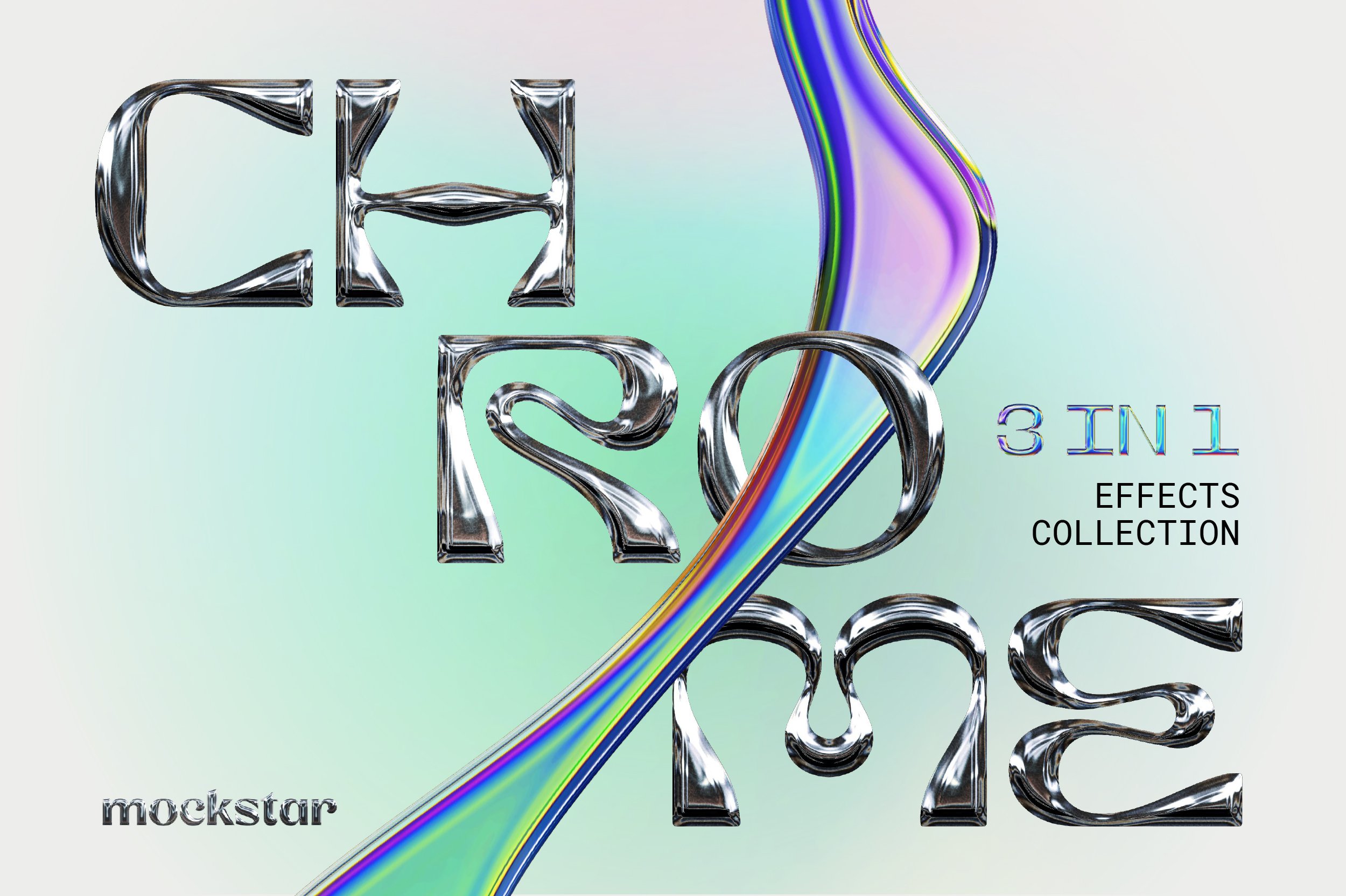
Quickly and easily add realistic metallic textures, stunning chrome finishes, and eye-catching effects in just a few clicks using our Chrome Effects generator for Photoshop.
With the Chrome Effects Collection you can quickly bring to life your one-color text, logo or icon with the click of a button. The mockup features three effect settings (Chrome/Metallic, Iridescent and Holographic) that generate automatically when you import your design. Just choose the effect you want and hit save, it’s really that easy!
If you do want to customize the results even further, you can change the chrome effect color (for ie. a gold or bronze look), adjust the brightness and contrast of the chrome and iridescent effects and even customise the color gradient tones of the iridescent effect.
Tip: These effects work best with thick lines or solid shapes. Some of the detail gets lost in objects that are very fine/narrow.
Features
One high resolution (4500 x 4500px @ 300DPI) mockup for Photoshop
Fully named and organized layers
3 chromatic effect settings (Standard Chrome/Metal (Gold, Silver, Bronze effect when color change applied), Iridescent and Holographic)
PDF user guide with visual instructions
Specifications
High resolution file (4500 x 4500px @ 300DPI; 38.1cm x 38.1cm @ 300dpi) compatible with Adobe Photoshop
Layered photoshop file with smart object placement
Total compressed file size: 168.5mb
FAQs
Can I remove the background?
Yes, the background layer can be toggled on or off. You can save your chrome effect artwork with a transparent background to then overlay it over a photo, or import in to a layout program such as Indesign or Illustrator.
Can I achieve a Gold, Bronze, Rose Gold or color metal effect?
Yes you sure can! By toggling on the optional color overlay layer, you can customize the color of the metal so highly realistic Gold, Bronze and Rose Gold colors are easily achievable.
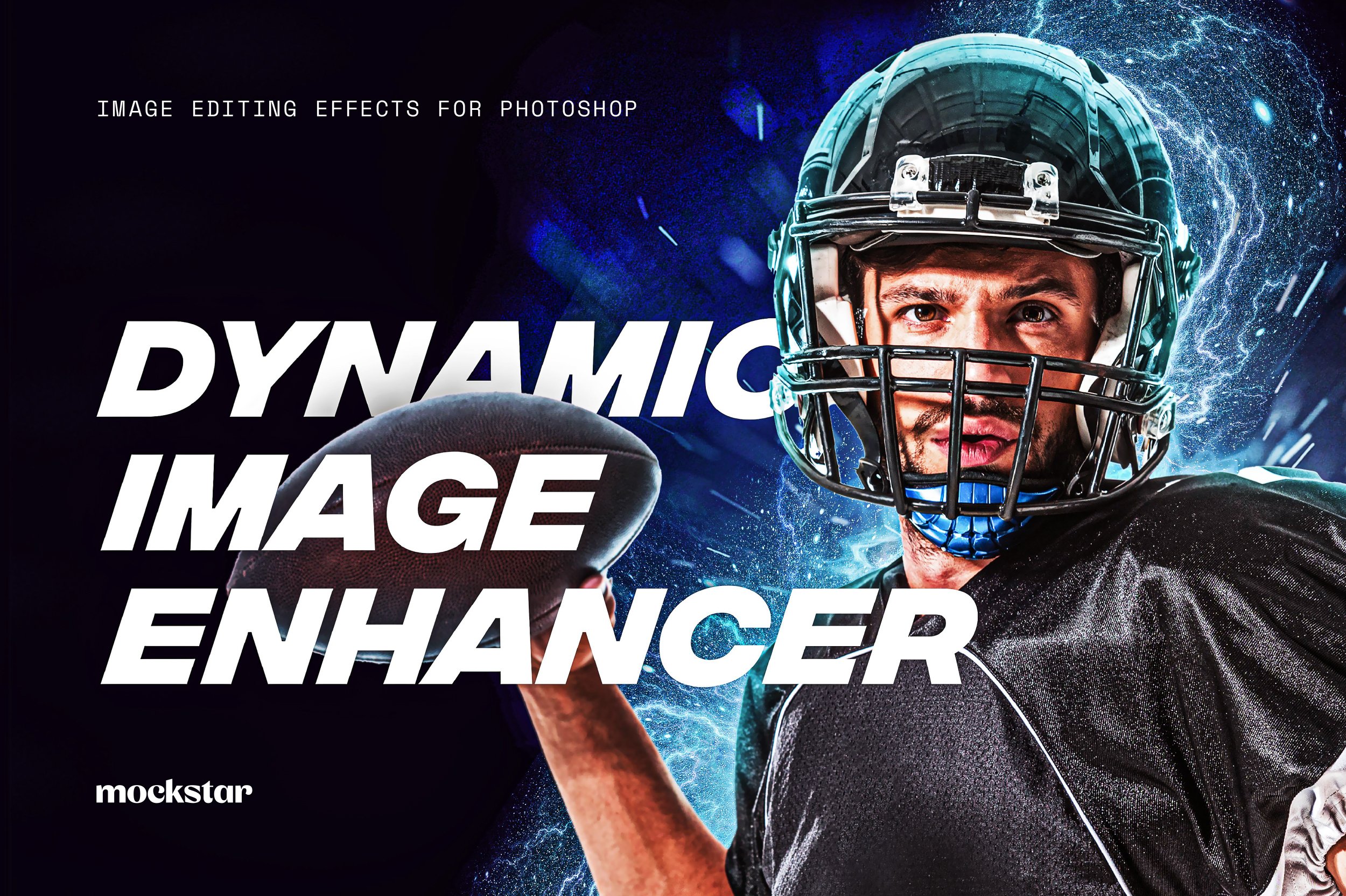
The Dynamic Photo Enhancer boosts the dynamic range of colors and tones in your photos to provide powerful and striking images. This is an effect commonly used in promotional design for sport or movies.
Simply import your image in to the smart object, choose from three effect settings and use the six color overlay presets to get the right tones.
This is a great time-saving tool for editing and processing masked (clear-cut) images of people or objects that you want to add to separately designed Photoshop layouts. It also works best with high-quality images with low noise or pixelation. This is because it will bring out finer details and highlights within your images.
This enhancing effect works much like a photoshop action, but gives you greater control with the ability to adjust easily the brightness and contrast, vibrance and saturation.
Features
3 effect settings
6 color overlays
Fully named and organized layers
Ability to fine tune the image easily using the brightness, contrast, vibrance and saturation sliders.
PDF user guide with visual instructions
A quick video demonstration showing the features in action
Specifications
High resolution template 5000 x 5000px (16.6x16.6inches / 42x42cm)
Adobe Photoshop psd files with smart object placement
300dpi
File Size: 381 mb
Add vintage vibes to your digital illustration and design work with our Vintage Stamp Textures for Adobe Photoshop and Affinity Photo 2.
Simply import your artwork in to the mockup and choose from 6 stamp texture presets to age your artwork with gritty goodness. This mockup replicates an old-style stamp / single color printing press, so works only with single color designs.
Well organised layers and a quick demonstration video will help you customise your output, as well as 7 paper background options to showcase your designs on.
Check out this video on our YouTube channel to see how you can create highly realistic stamp branded packaging using a logo with the Vintage Stamp Texture effect applied
Love our Retro Print effect as well? Our Vintage Stamp & Retro Print bundle saves you 20% off the combined individual price. Check it out here.
Features
6 stamp texture effect preset options to choose from – Inkpad light, Inkpad smudge, Halftone, Halftone wave, Grit & Crackled
7 high resolution paper background textures to choose from
Overlay your results for layered compositions
Works well over photographs to mimic a stamp print
Video demonstration to help you achieve the best results
Specifications
Adobe Photoshop and Affinity Photo 2 files with smart object placement
File Size: 375.62 MB
Dimensions: 4000 x 3000 px
300 dpi
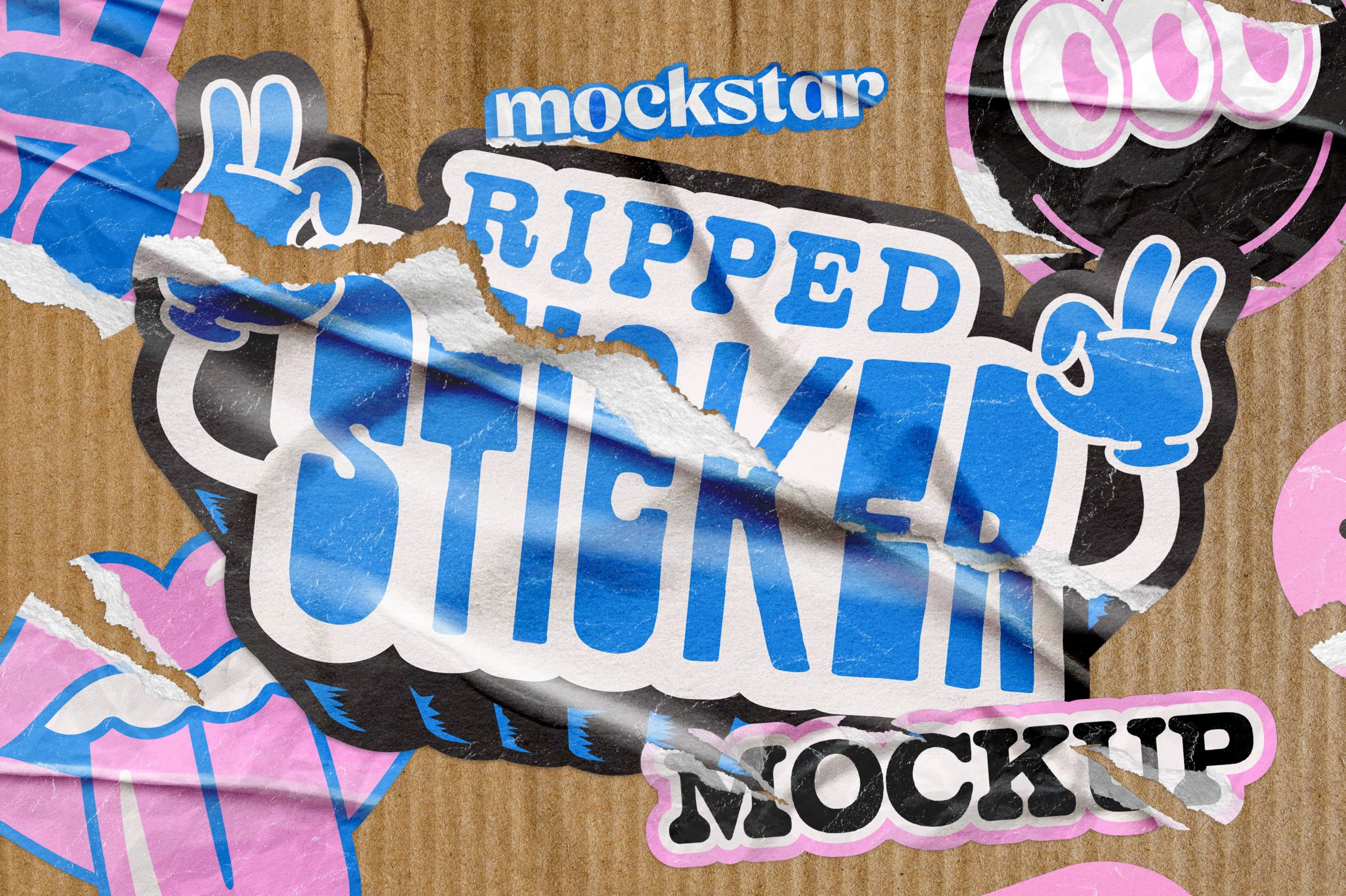
UPDATED: NOW COMPATIBLE WITH ADOBE PHOTOSHOP AND AFFINITY PHOTO 2
Take your sticker design and make it realistically distressed with our Ripped Sticker Mockup.
This mockup lets you create your own realistic custom sticker shapes without being limited to standard shapes and sizes.
With pre-set settings and scenes you can pick the texture that you like best, save it, and then share with the world!
With 9 different rip effects you can choose from, you have complete control over how your design looks.
Each rip effect comes with further customizations you can apply to adjust the gloss or texture of the paper, and a range of different wrinkle options you can either toggle on or off. Too easy!
Like what you see? We've also created the Custom Shape Sticker mockup, it’s worth a look!
Features
9 different rip effect options – horizontal, vertical, distressed 1, distressed 2, small, bottom, top, right side, left side rip/s
Customize the opacity in all the rip effect options for subtle or dramatic looks
Customizable color background with optional texture
Six background texture image options (supplied as separate files to keep the main mockup file of a reasonable file size)
Specifications
Adobe Photoshop PSD files and Affinity Photo 2 files with smart object placement
File Size: 1.08 GB (755.7 MB zipped)
Dimensions: 4000 x 2500 px
300 dpi
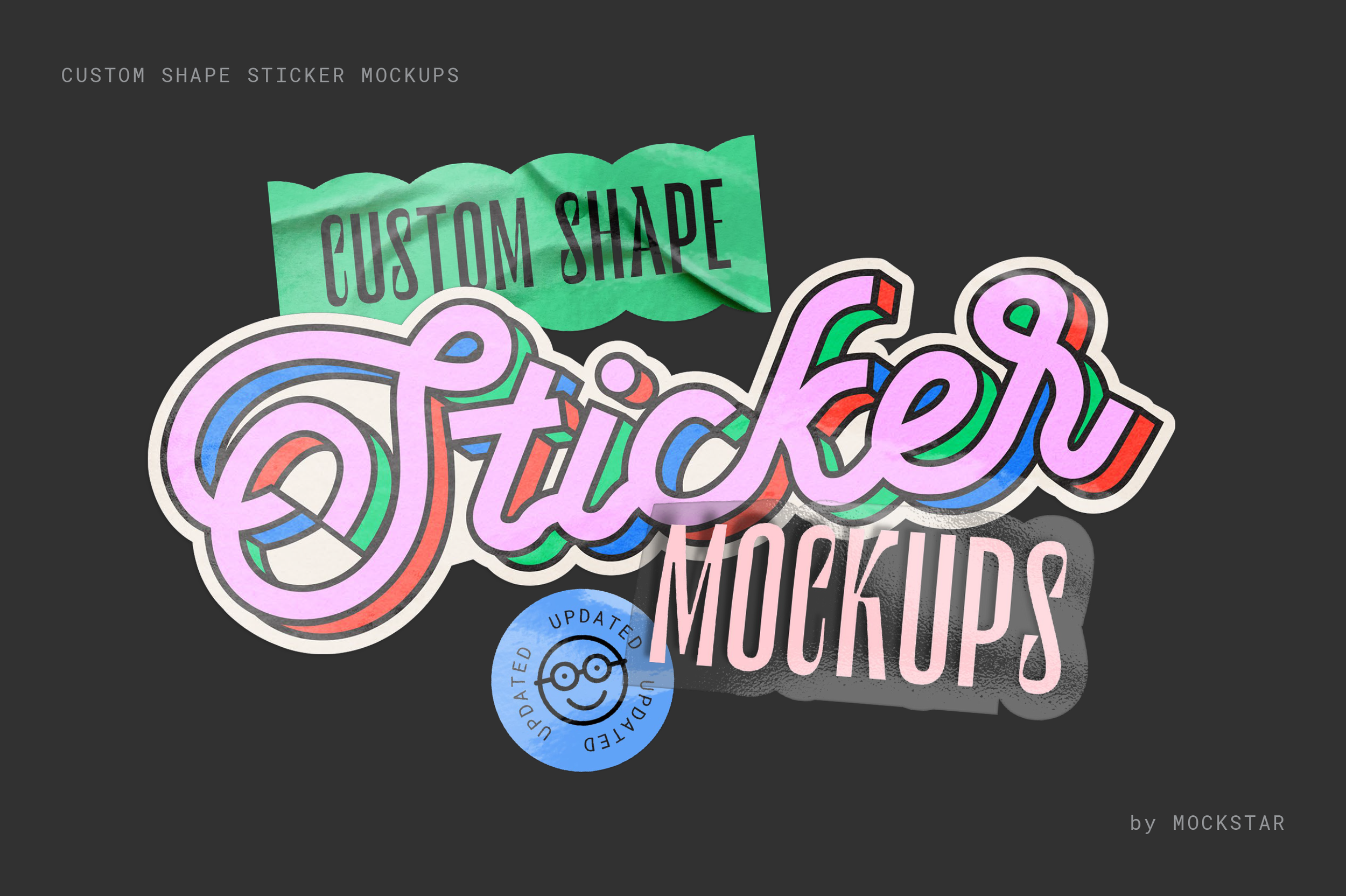
UPDATED: NOW COMPATIBLE WITH AFFINITY PHOTO 2 AND ADOBE PHOTOSHOP
Break free from traditional sticker shapes and sizes! This mockup lets you effortlessly design realistic, custom-shaped die-cut stickers. Simply choose from a range of pre-set styles and scenes that suit your artwork, then hit save – it's that easy!
Simple to use
Just add your design elements in to the smart object layer and hit save!
Become a pro in no time by watching the demo video, which guides you through each step to make your sticker design look amazing.
Shiny goodness
Choose from several simple metallic effects for some added shine to your design. Please note: This effect works best with high contrast artwork (e.g. black and white).
You're in control
Add extra wrinkle details, increase the gloss texture, control the shadow strength... You're in control of how you want your sticker scene to look.
Make a scene!
Now with 4 new scene option files, take your created sticker, save it as a transparent png, then simply import in to one of the 4 scene files for a highly realistic sticker scene.
Get a quick preview into how it works here over on our Youtube channel.
This mockup is incredibly versatile, perfect for branding, logos, illustrations, or text designs. Add it to your toolkit today and elevate your creative projects!
What's included in this mockup?
A total of 11 sticker files for both Photoshop & Affinity – Flat, Curled, Peel, Stack for both standard and transparent stickers, plus 4 x sticker scene files – multi-sticker scene, sticker in hand, sticker on finger, sticker hand pinch.
A PDF informational guide which provides links to our step-by-step user videos walking you through how to use each sticker mockup file
Specifications
Customizable 300dpi templates for Adobe Photoshop and Affinity Photo 2
A PDF instruction guide
Video guides demonstrating the key features
Get our popular Vintage Stamp, Retro Print and Halftone Texture effects for Photoshop for the special bundle price, saving you 35% off the regular combined price.
Included are:
A highly realistic stamp effect texture creator that is useful across a whole range of applications such as branding, illustration and typography.
Compatible with Adobe Photoshop and Affinity Photo 2
6 texture preset options
Produces a single color only design
For vector/illustrative based graphics rather than photos
Editable background color or 4 paper background options to choose from
Compatible with Adobe Photoshop
3 preset options depending on the amount of ink overlap you prefer
Adds gritty texture to your color artwork
Customise your ink overlap colors
For vector/illustrative based graphics rather than photos
Editable background color or 4 paper background options to choose from
Compatible with Adobe Photoshop
Choose from 7 different halftone texture options
Combine up to two images for layered designs or collages
Works best with photographs, but can also be used on vector graphics and type
Editable background color with optional texture
Our Vintage Stamp and Retro Print effect mockups easily transform flat graphics to artwork that’s rich in texture and gritty goodness.
Simply import your art and choose the print effect styles that gives your design an authentic look. You have control over the style that best suits your design, all the while making artwork that’s convincingly nostalgic.
Save 20% when purchasing this bundle package!
This bundle contains the files for:
Vintage Stamp Texture Effect
Retro Print Texture Effect
For a full description on what’s included in each mockup, please click on the links above to take you to the individual product listing.
Meet your personal vintage engraver toolkit—tucked inside your computer and ready to crank out old-school charm at the press of a button. It’s a flexible design machine with endless vintage possibilities.
Choose from 3 engraver patterns, play with the pattern size, and pick your perfect color. Creating vintage-style art has never been this easy (or fun). Want to get that full aged look? Add some grit with 6 grunge effects and layer in 5 paper textures for that perfectly aged look.
What's included:
A high-quality Photoshop file (4500 x 4500px at 300DPI), locked and loaded, just waiting for your creative command.
A step-by-step demo video, showing you all the tricks to get the most out of this vintage gem.
Works with both photographs and vector elements like type and graphics.
Creates single color illustrations, but for multi-color, simply export individual elements with a transparent background and collate in a new Photoshop file, or layer in a program like Illustrator or Indesign.
Ready to time-travel through design? Let the engraving begin!
Check out the blog post here for more examples of Easy Engraver in action.
This toolkit is compatible only with Adobe Photoshop and works best with images that have had the background removed.