
Demo video: Dynamic Image Enhancer
Check out this detailed video to see how you can get the best out of the Dynamic Image Enhancer.
Feel free to watch this in ‘full screen’ view if you are finding it hard to see the details.
Happy creating!
If you loved this mockup, you may like these we’ve also created!
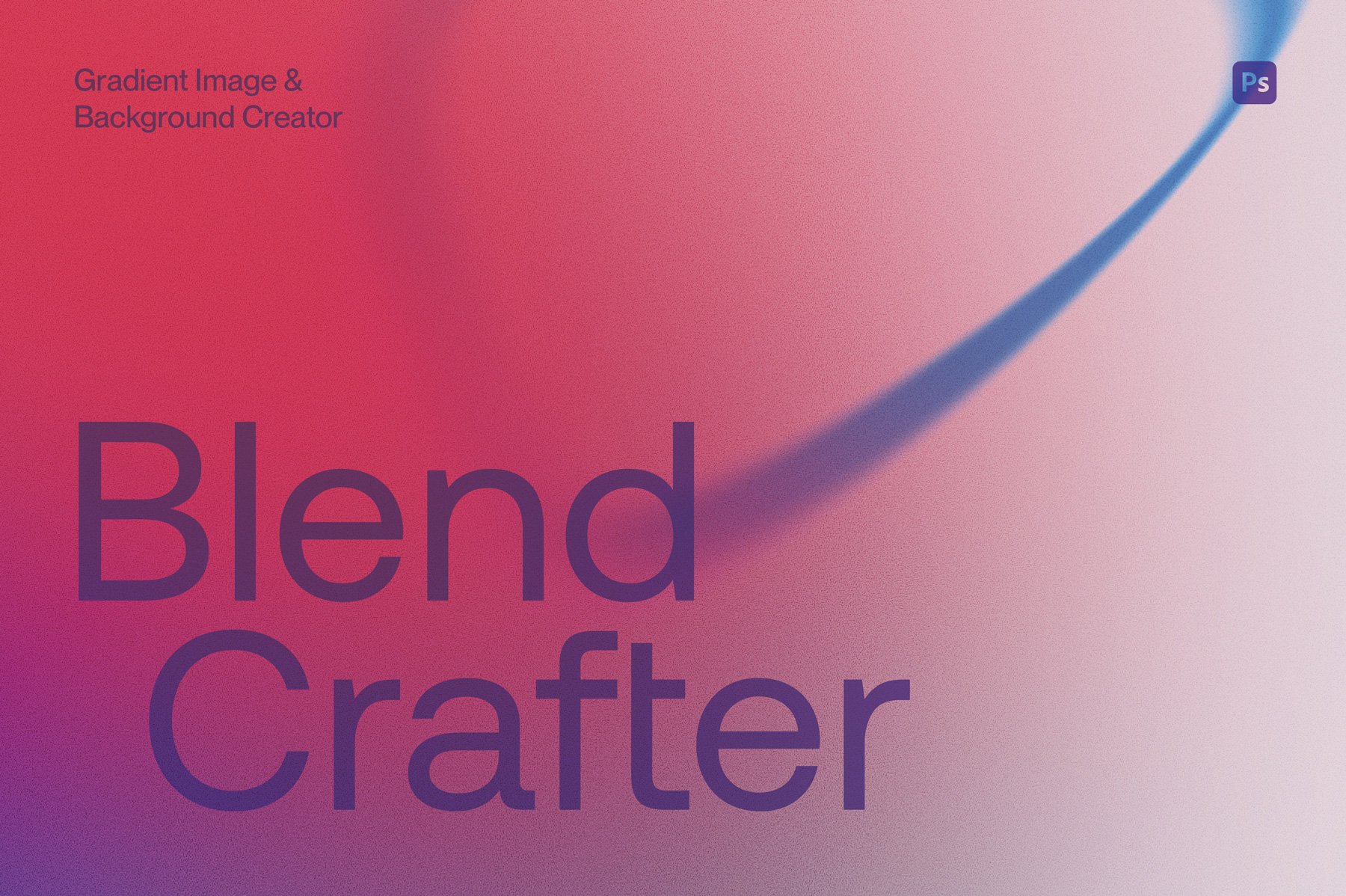
Blend Crafter is a versatile abstract gradient maker for Photoshop that easily helps you create customisable gradient shapes, images and backgrounds.
With over 50 shape elements, 24 backgrounds, and more than 100 gradient presets, this generator equips users to produce unique and distinctive imagery in limitless ways.
How to use: Tailor the colours of the backgrounds and shape elements using the provided gradient presets, or uniquely customise the colours to your specific needs and preferences. Layer up the gradient shapes to create your own unique and bespoke images and backgrounds.
Watch the preview video here to see more: https://youtu.be/U_QzTsWw1uA
Features
• Two Photoshop files – Blend Crafter Shape Maker.psd contains 56 pre-made color customizable shape gradients and Blend Crafter Background Maker.psd contains 24 pre-made color customizable background gradient scenes.
• A gradient file (.GRD) containing over 100 preset gradient swatches to import in to Photoshop
• Large template files: 5000x5000 px @ 300dpi
• Five optional grain texture filters – apply your preferred grain texture or toggle off
• Two helpful user videos to help walk you through customization
Get our popular Vintage Stamp, Retro Print and Halftone Texture effects for Photoshop for the special bundle price, saving you 35% off the regular combined price.
Included are:
A highly realistic stamp effect texture creator that is useful across a whole range of applications such as branding, illustration and typography.
Compatible with Adobe Photoshop and Affinity Photo 2
6 texture preset options
Produces a single color only design
For vector/illustrative based graphics rather than photos
Editable background color or 4 paper background options to choose from
Compatible with Adobe Photoshop
3 preset options depending on the amount of ink overlap you prefer
Adds gritty texture to your color artwork
Customise your ink overlap colors
For vector/illustrative based graphics rather than photos
Editable background color or 4 paper background options to choose from
Compatible with Adobe Photoshop
Choose from 7 different halftone texture options
Combine up to two images for layered designs or collages
Works best with photographs, but can also be used on vector graphics and type
Editable background color with optional texture
Meet your personal vintage engraver toolkit—tucked inside your computer and ready to crank out old-school charm at the press of a button. It’s a flexible design machine with endless vintage possibilities.
Choose from 3 engraver patterns, play with the pattern size, and pick your perfect color. Creating vintage-style art has never been this easy (or fun). Want to get that full aged look? Add some grit with 6 grunge effects and layer in 5 paper textures for that perfectly aged look.
What's included:
A high-quality Photoshop file (4500 x 4500px at 300DPI), locked and loaded, just waiting for your creative command.
A step-by-step demo video, showing you all the tricks to get the most out of this vintage gem.
Works with both photographs and vector elements like type and graphics.
Creates single color illustrations, but for multi-color, simply export individual elements with a transparent background and collate in a new Photoshop file, or layer in a program like Illustrator or Indesign.
Ready to time-travel through design? Let the engraving begin!
Check out the blog post here for more examples of Easy Engraver in action.
This toolkit is compatible only with Adobe Photoshop and works best with images that have had the background removed.