
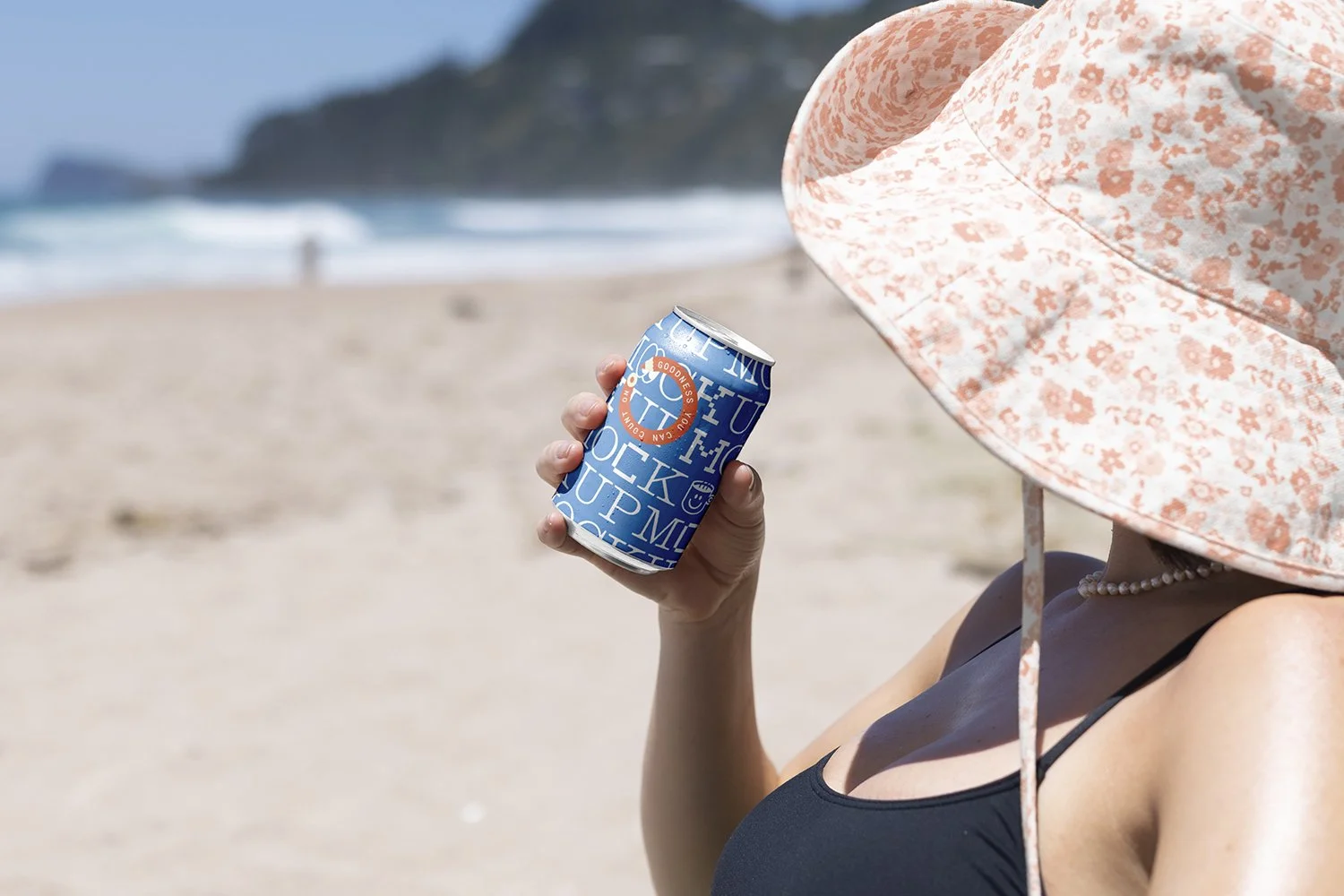
Clean, modern, and made to flex. The Everydays Collection brings together a range of contemporary objects and scenes built for real-world branding.
Fully customisable artwork and background colours let you make it your own — no fluff, just sharp visuals that work hard.
Features
1 x high resolution .psd mockup
Customizable layers so you can tailor the mockup to best suit your artwork
Compatible with Adobe Photoshop only
Specifications
300dpi, fully layered .PSD file
Compatible with Adobe Photoshop
Dimensions: 6581 × 4387 px (horizontally orientated)
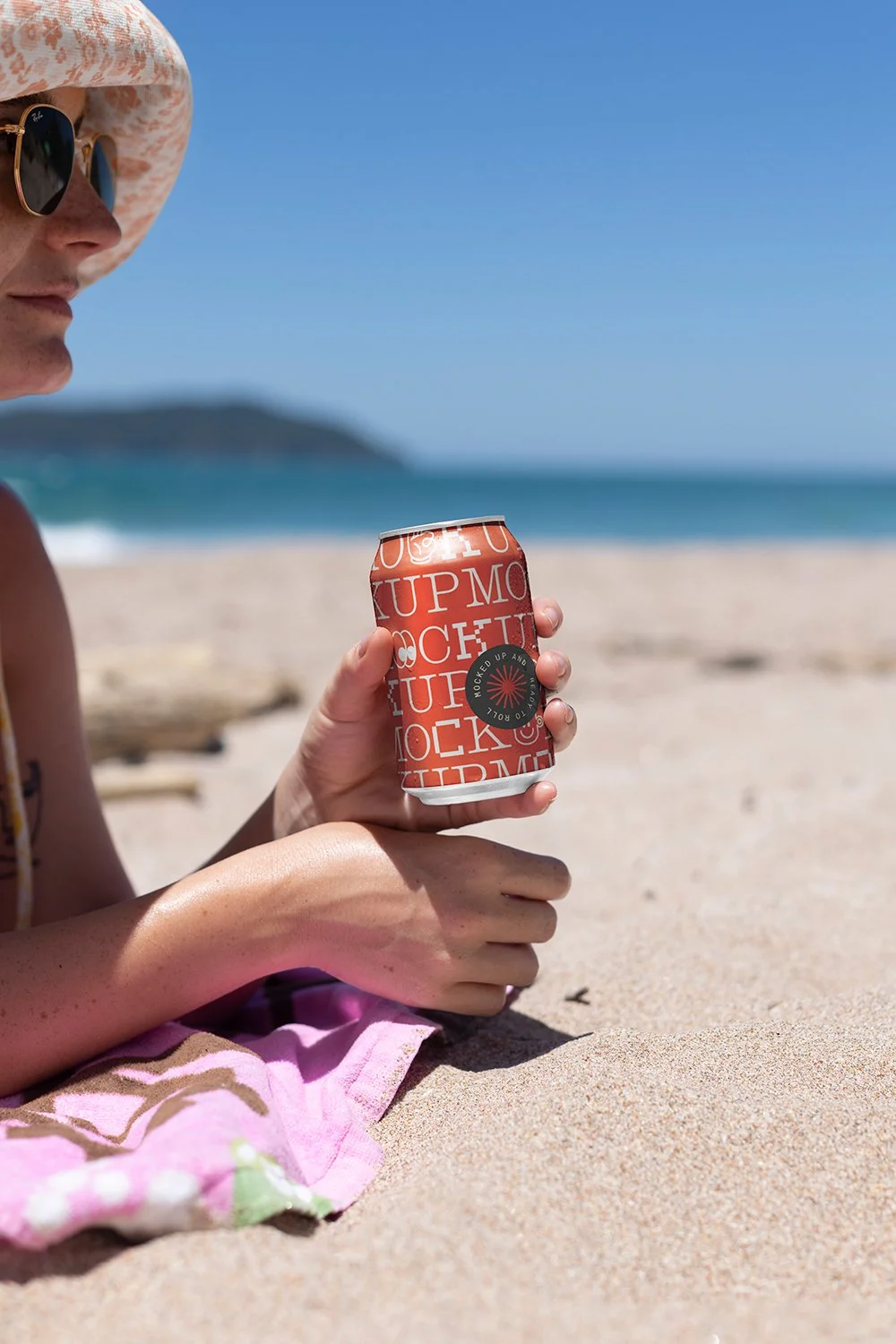
Clean, modern, and made to flex. The Everydays Collection brings together a range of contemporary objects and scenes built for real-world branding.
Fully customisable artwork and background colours let you make it your own — no fluff, just sharp visuals that work hard.
Features
1 x high resolution .psd mockup
Customisable layers so you can tailor the mockup to best suit your artwork
Compatible with Adobe Photoshop only
Specifications
300dpi, fully layered .PSD file
Compatible with Adobe Photoshop
Dimensions: 3214 × 4821 px (vertically orientated)
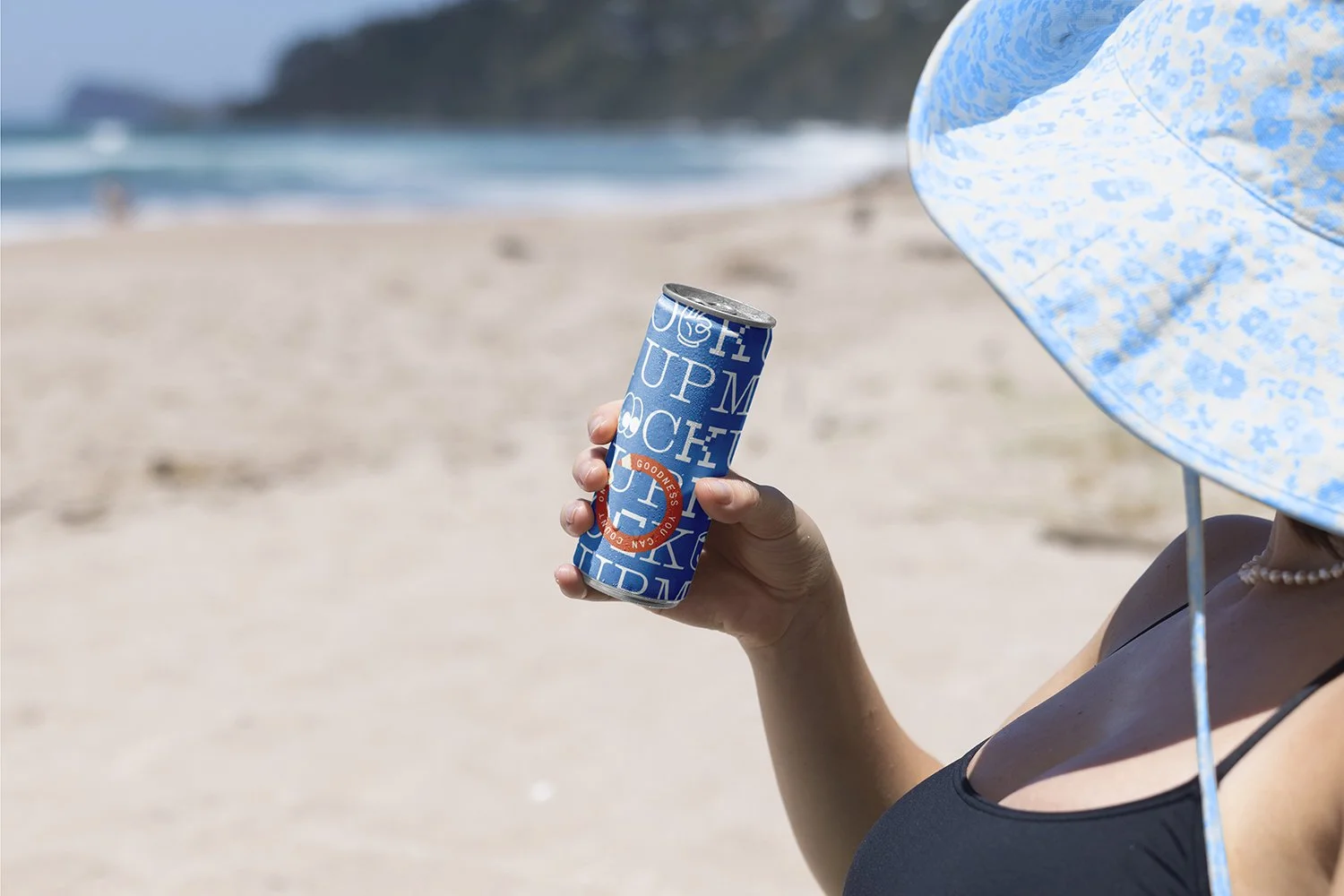
Clean, modern, and made to flex. The Everydays Collection brings together a range of contemporary objects and scenes built for real-world branding.
Fully customisable artwork and background colours let you make it your own — no fluff, just sharp visuals that work hard.
Features
1 x high resolution .psd mockup
Customisable layers so you can tailor the mockup to best suit your artwork
Compatible with Adobe Photoshop only
Specifications
300dpi, fully layered .PSD file
Compatible with Adobe Photoshop
Dimensions: 3767 × 2511 px (horizontally orientated)

Clean, modern, and made to flex. The Everydays Collection brings together a range of contemporary objects and scenes built for real-world branding.
Fully customisable artwork and background colours let you make it your own — no fluff, just sharp visuals that work hard.
Features
1 x high resolution .psd mockup
Customisable layers so you can tailor the mockup to best suit your artwork
Compatible with Adobe Photoshop only
Specifications
300dpi, fully layered .PSD file
Compatible with Adobe Photoshop
Dimensions: 6581 × 4387 px (horizontally orientated)
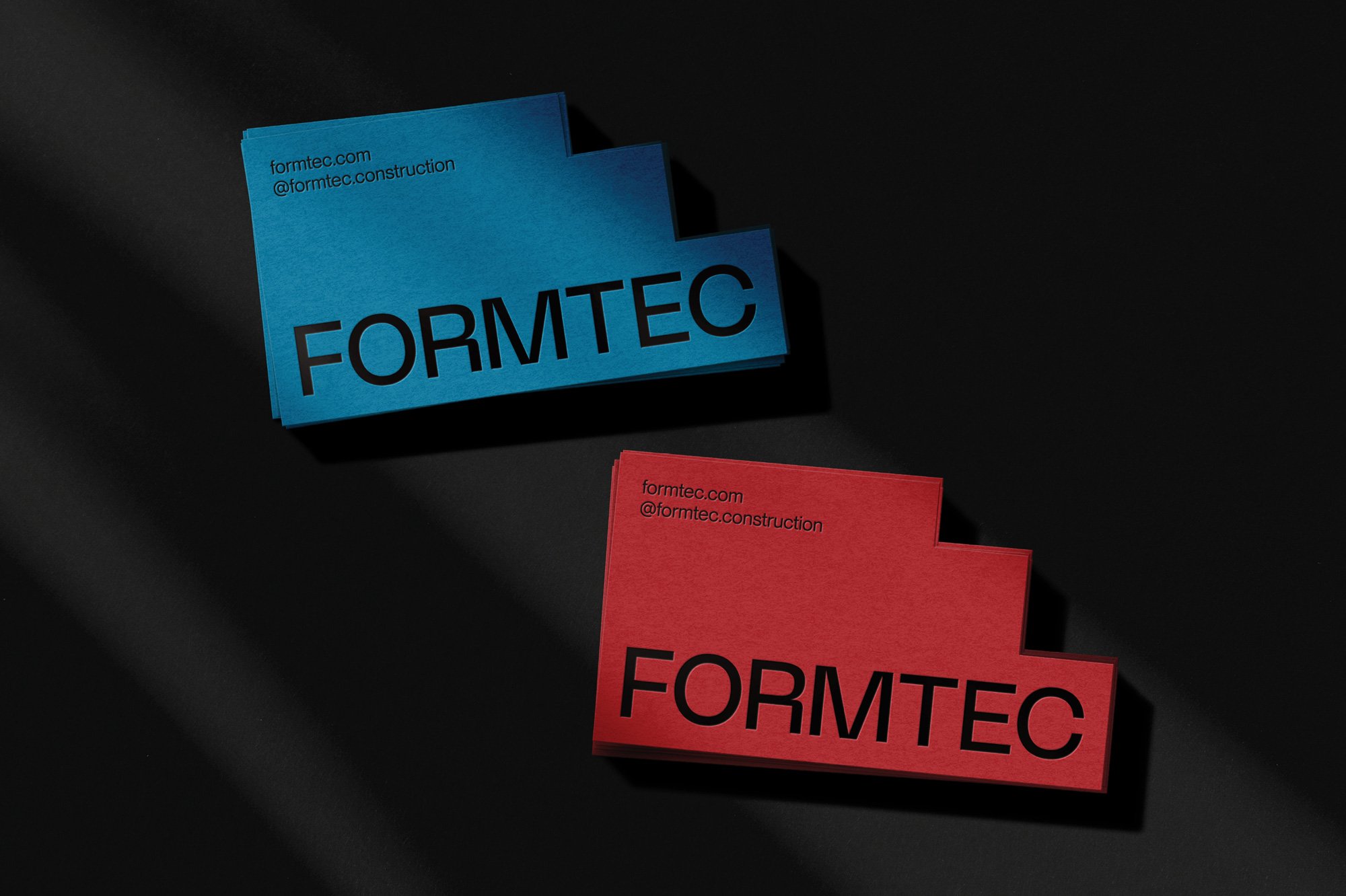
Experience the ultimate versatility with our dynamic new Custom Shape Die Cut Business Card mockup.
Trust us when we say, this is not your average card design tool. It's a game-changer that will bring to life your card designs and leave a lasting impression.
Emulate the striking effect of a die-cut card and unlock a world of possibilities with variable print finishes like metallic, black, white and colour foil, embossing or debossing, letterpress and the contemporary subtleness of Spot UV.
We've also included a set of four optional pre-made .psd scenes for you to import your finished die cut card mockups in to, giving you extra variety should you need it. Enhance your customization options by freely rearranging elements within these scenes.
All files are incredibly user-friendly, ensuring a seamless and stress-free experience. With just a few clicks in Photoshop, you'll be able to customize every aspect of your business cards to perfection.
Check out the preview video here for a short overview on everything this mockup has to offer!
Features
1 x custom shape mockup file plus 4 x mockup scene files
The ability to import any custom shape to emulate a die cut shaped card
Choose from print effects such as emboss or deboss, black foil, white foil, metallic or color foil, spot UV or plain print.
Five paper textures to choose from – customize the texture to best suit the card colour
4 mockup scene files that you import your custom shape card file in to
Comprehensive user videos to show you how to customize your mockup perfectly
Specifications
Combined file download size: 3.37gb
Compatible with Adobe Photoshop only
Layered psd files
300dpi
File dimensions: 5000x4000px (for both the mockup file and each scene file)
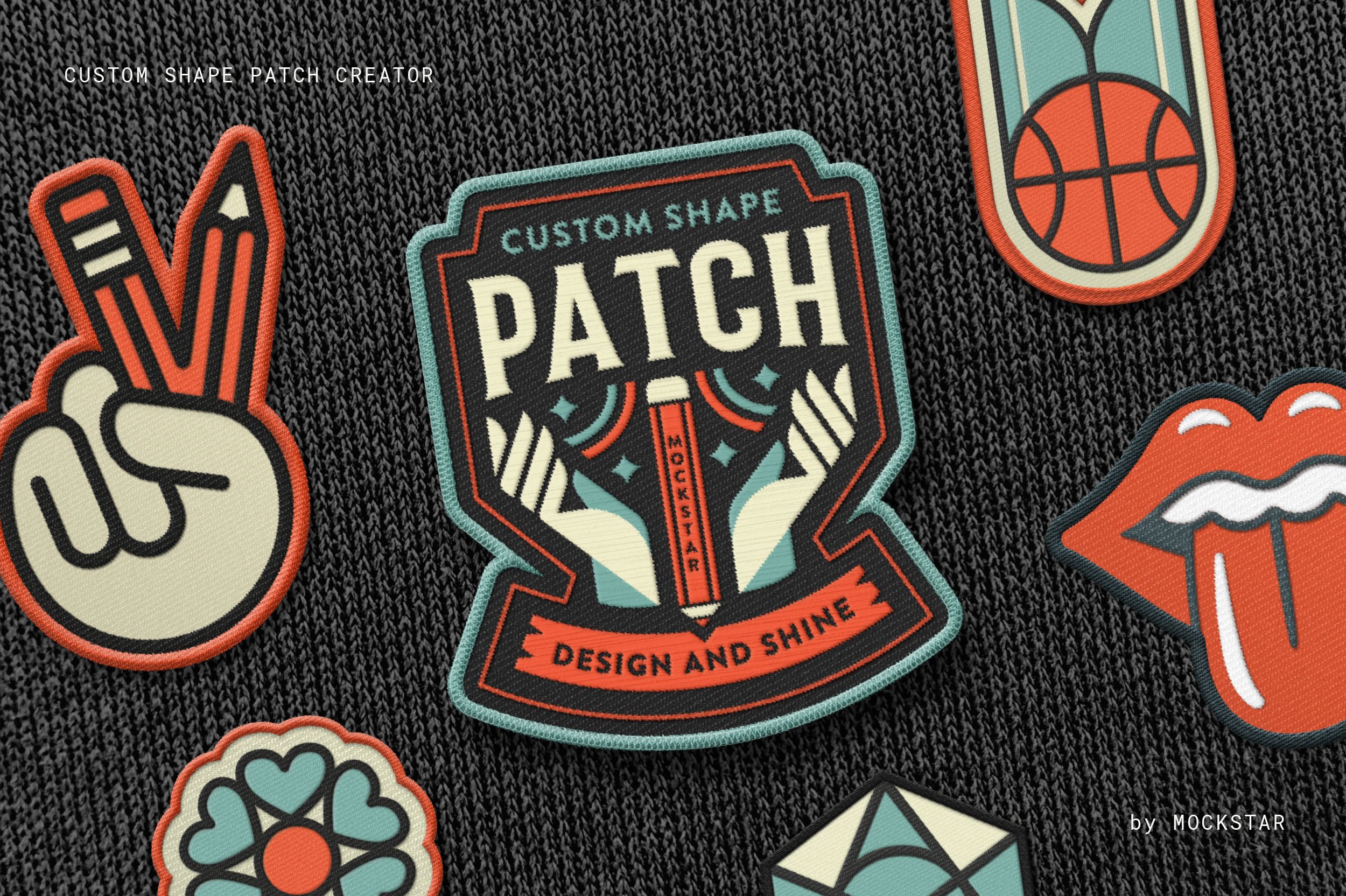
Break free from standard patch shapes and sizes with this Adobe Photoshop mockup, allowing you to design your own custom-shaped patch with ease. Featuring pre-set settings and stitch effect options, you can select the style that best complements your artwork, save your creation, and showcase your design like a pro!
Watch the video preview video: https://youtu.be/iPWLJ7ZAXHU
Features
This mockup offers three border styles, three patch texture options, and three embroidery stitch effects to add the perfect finishing touch.
Fully layered with editable effects in-case you want to go even deeper in customising your patch!
Become an expert in no time by watching the demonstration video, which walks you through each step to create a stunning patch design.
This mockup is incredibly versatile, perfect for branding, logos, illustrations, or text designs. Add it to your toolkit today and elevate your creative projects!
Specifications
One 4000x3500 pixel / 300 dpi customizable template for Adobe Photoshop
3 Stitch Options
Four customisable display mockups to import your patch in to
PDF Help Guide
Video Demonstration Guide
All products are displayed in US dollars.

Improve your workflow and save a whopping 20% by purchasing The Custom Shape Patch Mockup + Enamel Pin Mockup + The Custom Shape Sticker Mockup combo for Photoshop.
Creating realistic embroidery patches, enamel pins and vinyl stickers to really bring those design projects to life has never been easier.
This bundle contains the files for:
Custom Shape Patch Mockup
Enamel Pin Mockup
Custom Shape Sticker Mockup
For a full description on what’s included in each mockup, please click on the links to take you to the individual product listing.
All prices are in USD.
UPDATED: NOW COMPATIBLE WITH AFFINITY PHOTO 2 AND ADOBE PHOTOSHOP
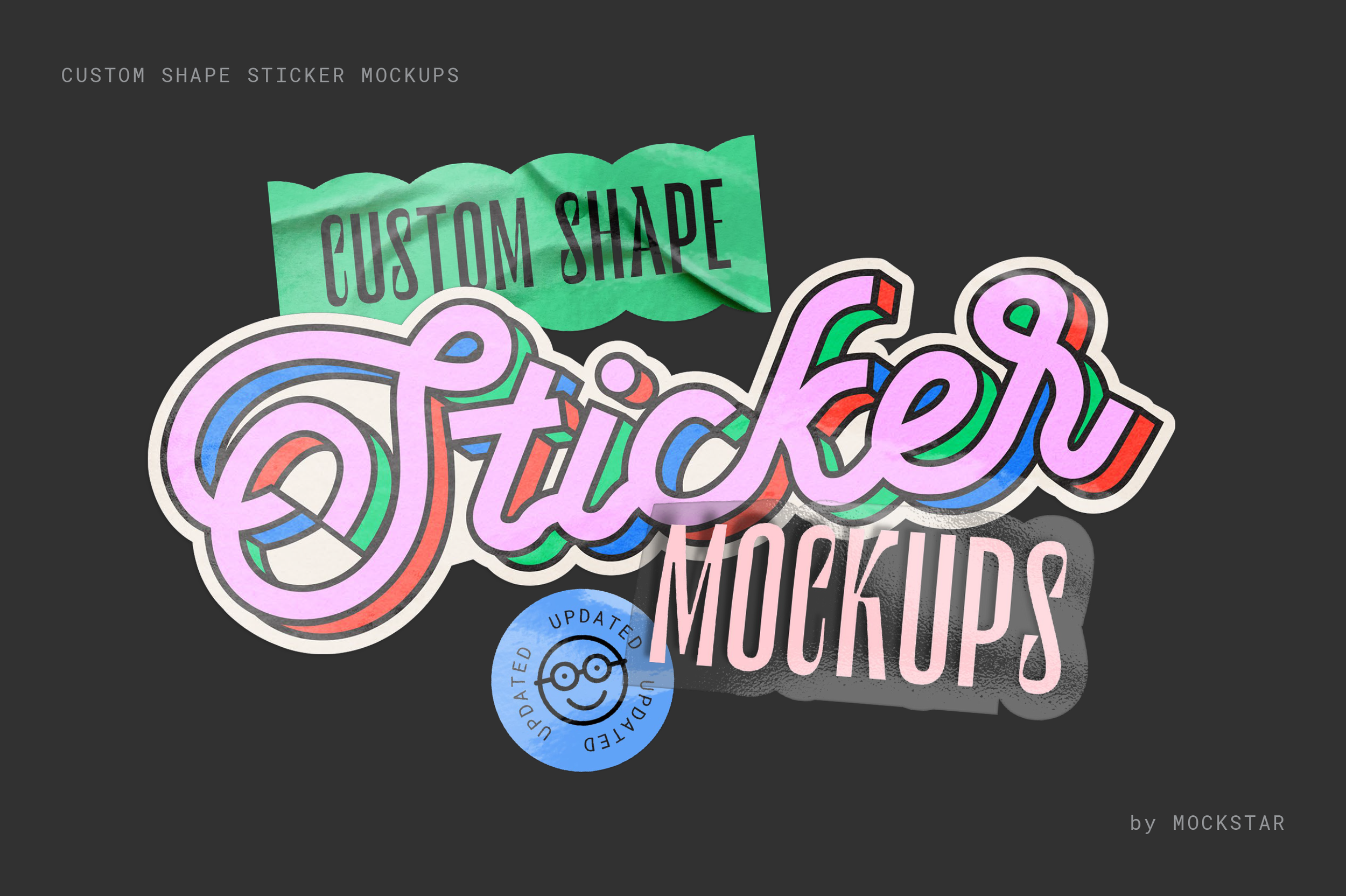
Break free from traditional sticker shapes and sizes! This mockup lets you effortlessly design realistic, custom-shaped die-cut stickers. Simply choose from a range of pre-set styles and scenes that suit your artwork, then hit save – it's that easy!
Simple to use
Just add your design elements in to the smart object layer and hit save!
Become a pro in no time by watching the demo video, which guides you through each step to make your sticker design look amazing.
Shiny goodness
Choose from several simple metallic effects for some added shine to your design. Please note: This effect works best with high contrast artwork (e.g. black and white).
You're in control
Add extra wrinkle details, increase the gloss texture, control the shadow strength... You're in control of how you want your sticker scene to look.
Make a scene!
Now with 4 new scene option files, take your created sticker, save it as a transparent png, then simply import in to one of the 4 scene files for a highly realistic sticker scene.
Get a quick preview into how it works here over on our Youtube channel.
This mockup is incredibly versatile, perfect for branding, logos, illustrations, or text designs. Add it to your toolkit today and elevate your creative projects!
What's included in this mockup?
A total of 11 sticker files for both Photoshop & Affinity – Flat, Curled, Peel, Stack for both standard and transparent stickers, plus 4 x sticker scene files – multi-sticker scene, sticker in hand, sticker on finger, sticker hand pinch.
A PDF informational guide which provides links to our step-by-step user videos walking you through how to use each sticker mockup file
Specifications
Customizable 300dpi templates for Adobe Photoshop and Affinity Photo 2
A PDF instruction guide
Video guides demonstrating the key features
UPDATED: NOW COMPATIBLE WITH ADOBE PHOTOSHOP AND AFFINITY PHOTO 2
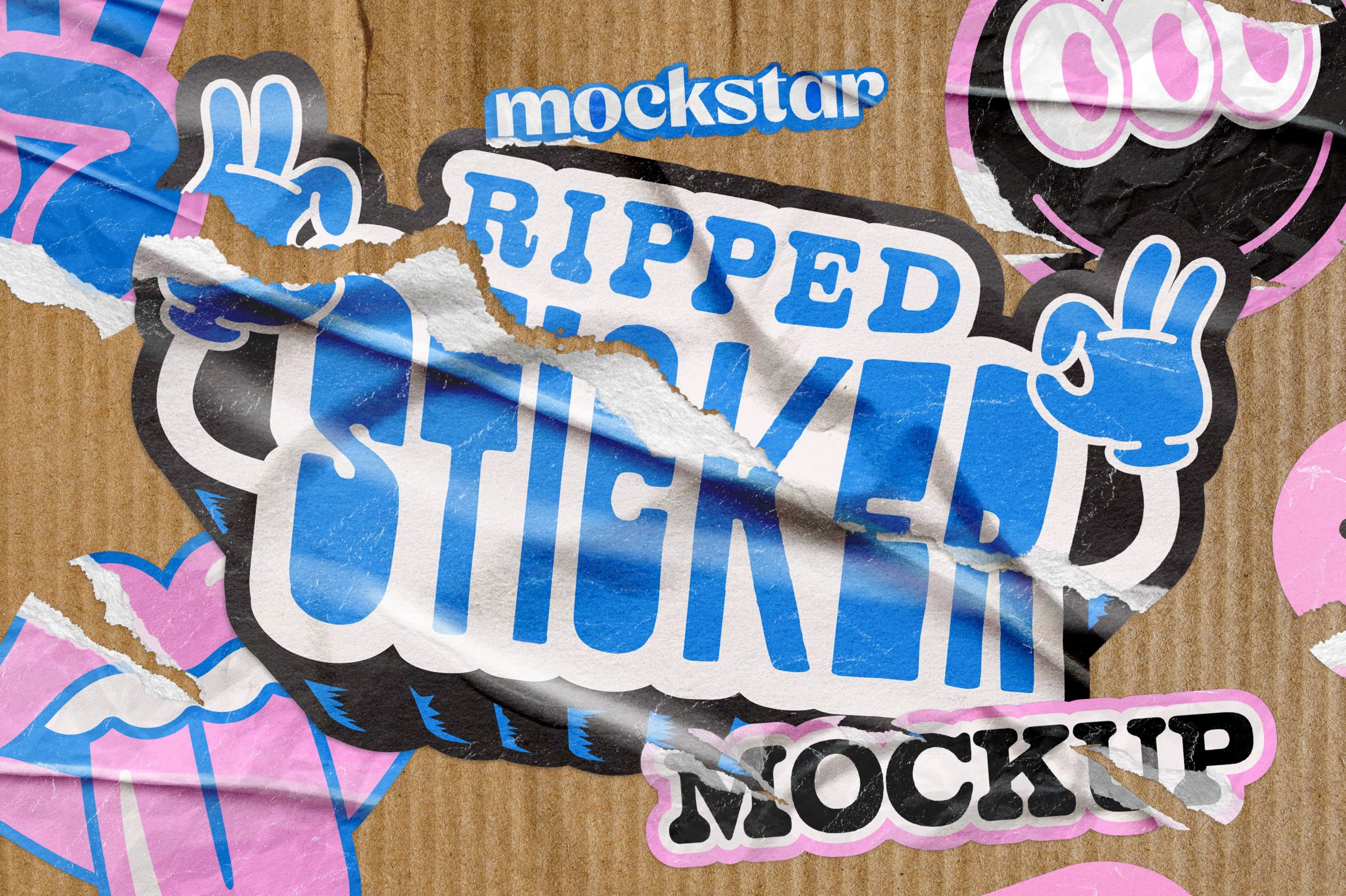
Take your sticker design and make it realistically distressed with our Ripped Sticker Mockup.
This mockup lets you create your own realistic custom sticker shapes without being limited to standard shapes and sizes.
With pre-set settings and scenes you can pick the texture that you like best, save it, and then share with the world!
With 9 different rip effects you can choose from, you have complete control over how your design looks.
Each rip effect comes with further customizations you can apply to adjust the gloss or texture of the paper, and a range of different wrinkle options you can either toggle on or off. Too easy!
Like what you see? We've also created the Custom Shape Sticker mockup, it’s worth a look!
Features
9 different rip effect options – horizontal, vertical, distressed 1, distressed 2, small, bottom, top, right side, left side rip/s
Customize the opacity in all the rip effect options for subtle or dramatic looks
Customizable color background with optional texture
Six background texture image options (supplied as separate files to keep the main mockup file of a reasonable file size)
Specifications
Adobe Photoshop PSD files and Affinity Photo 2 files with smart object placement
File Size: 1.08 GB (755.7 MB zipped)
Dimensions: 4000 x 2500 px
300 dpi
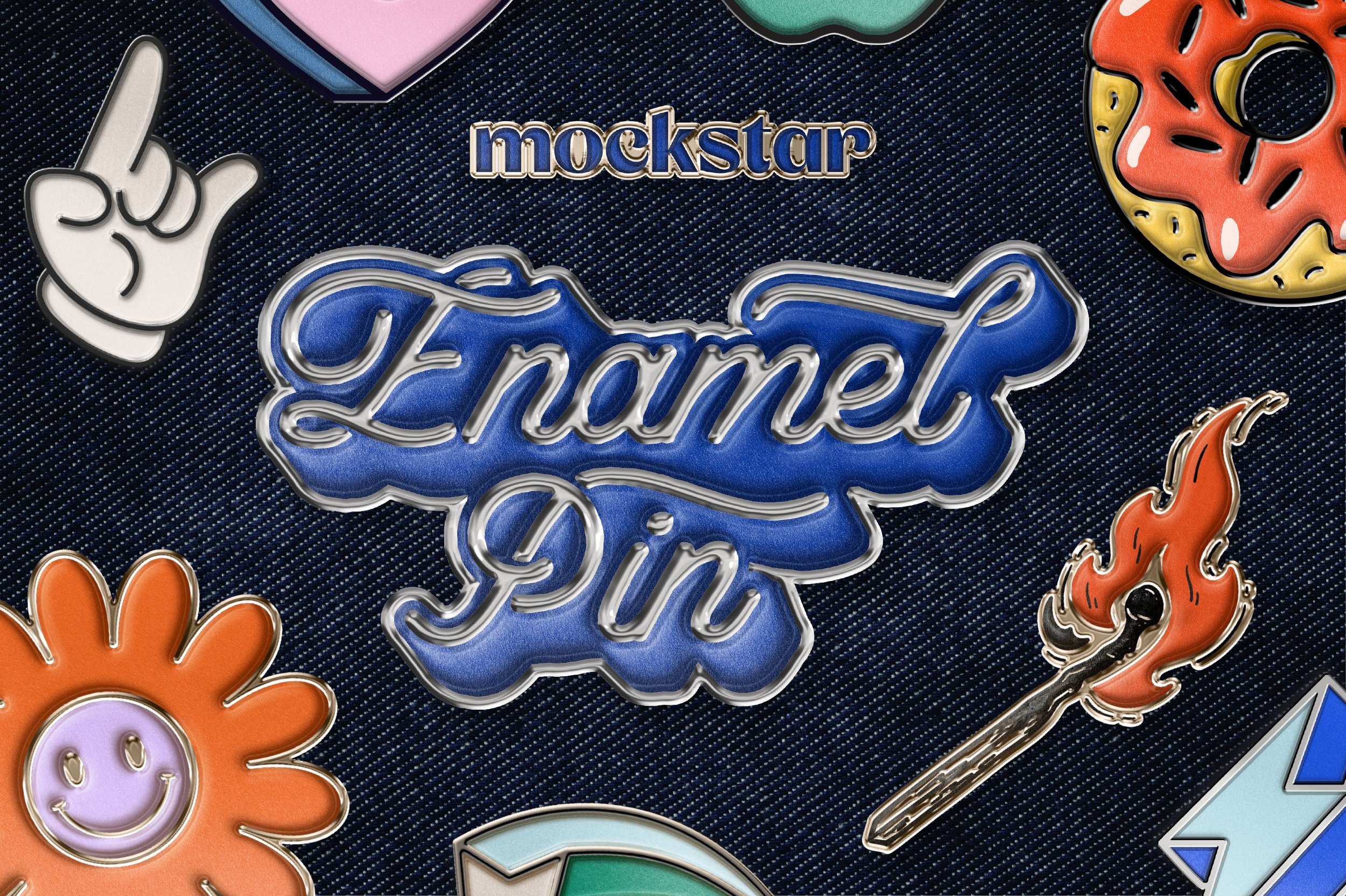
Easily create your own custom enamel pin designs.
Simply input your art, choose the pre-set option that works best with your art and watch your pin come to life and spend more time designing and less time editing with the custom pre-set styles.
This mockup is super-useful for a range of purposes, such as branding, logos, illustrations or text compositions.
Features
Choose from the pre-set edge colors, or add your own.
You have control of the generated shadow angles so they work with your compositions.
Fully layered with editable effects in-case you want to go even deeper in customising your patch!
Bonus holographic edge texture! Perfect for app/technology or dark themed enamel pin designs.
Specifications
File Size: 426.86 MB
Dimensions: 3000 x 3000 px
DPI: 300
Layered Photoshop file with smart object placement
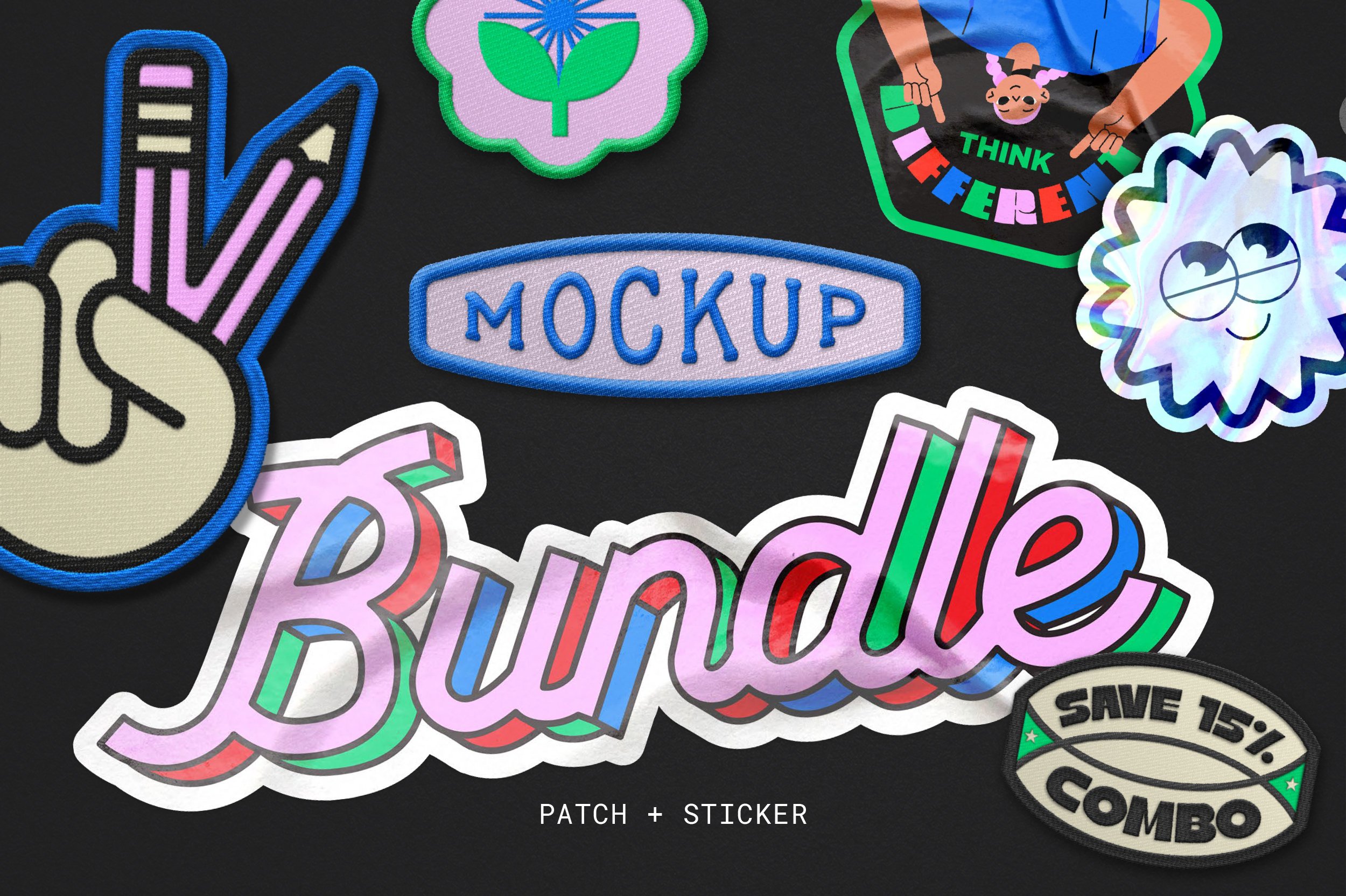
SAVE 15% off the combined price when purchasing this 2 in 1 combo of our popular custom patch and one of our newest mockups, custom shape sticker for Photoshop.
These mockups are super-useful for a range of purposes, such as branding, logos, illustrations or text compositions.
This bundle contains the files for:
Custom Shape Embroidery Patch Mockup
Custom Shape Sticker Mockup
For a full description on what’s included in each mockup, please click on the links to take you to the individual product listing.
All prices are in USD and are for a personal licence.

SAVE 15% off the combined price when purchasing this 2 in 1 combo of our popular custom shape embroidery patch and enamel pin mockups for Photoshop.
These mockups are super-useful for a range of purposes, such as branding, logos, illustrations or text compositions.
This bundle contains the files for:
Custom Shape Embroidery Patch Mockup
Enamel Logo Pin Mockup
For a full description on what’s included in each mockup, please click on the links to take you to the individual product listing.
All prices are in USD and are for a commercial licence.
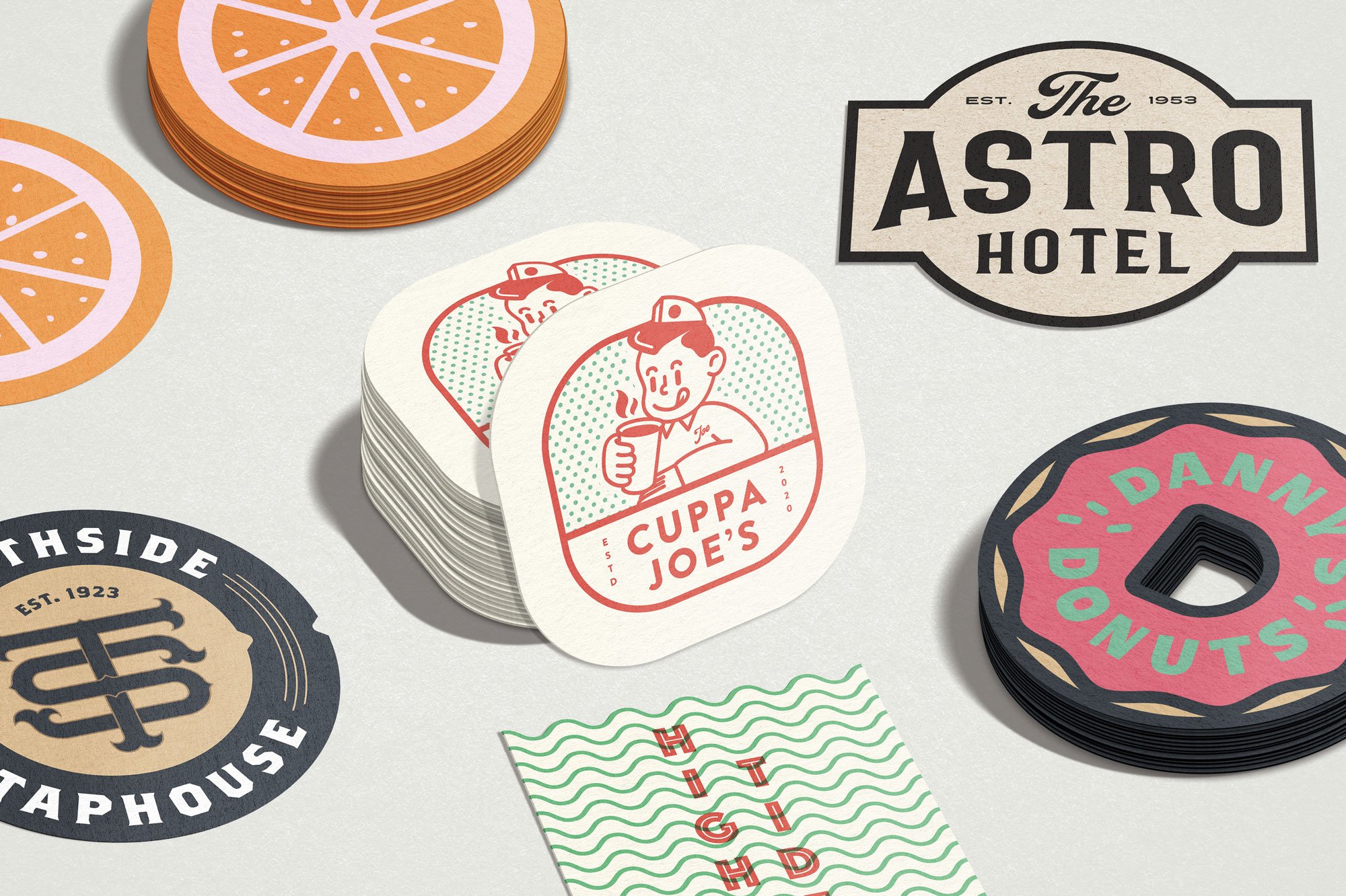
Don't be limited by standard coaster shapes and sizes, with this mockup you can easily create your own realistic custom shaped coaster.
With pre-set styles and scenes, choose the look that works best with your artwork, hit save and present your design with realistic clarity.
Features
Three 4000x2500 pixel / 300 dpi customizable templates, giving five different display options
A comprehensive PDF Help Guide
Just add your design elements in to the smart object layer and hit save!
Choose between white or kraft textured paper stock for an authentic look
Specifications
Adobe Photoshop psd files with smart object placement
File Size: 1.1 GB
Dimensions: 4000 x 2500 px
300 dpi
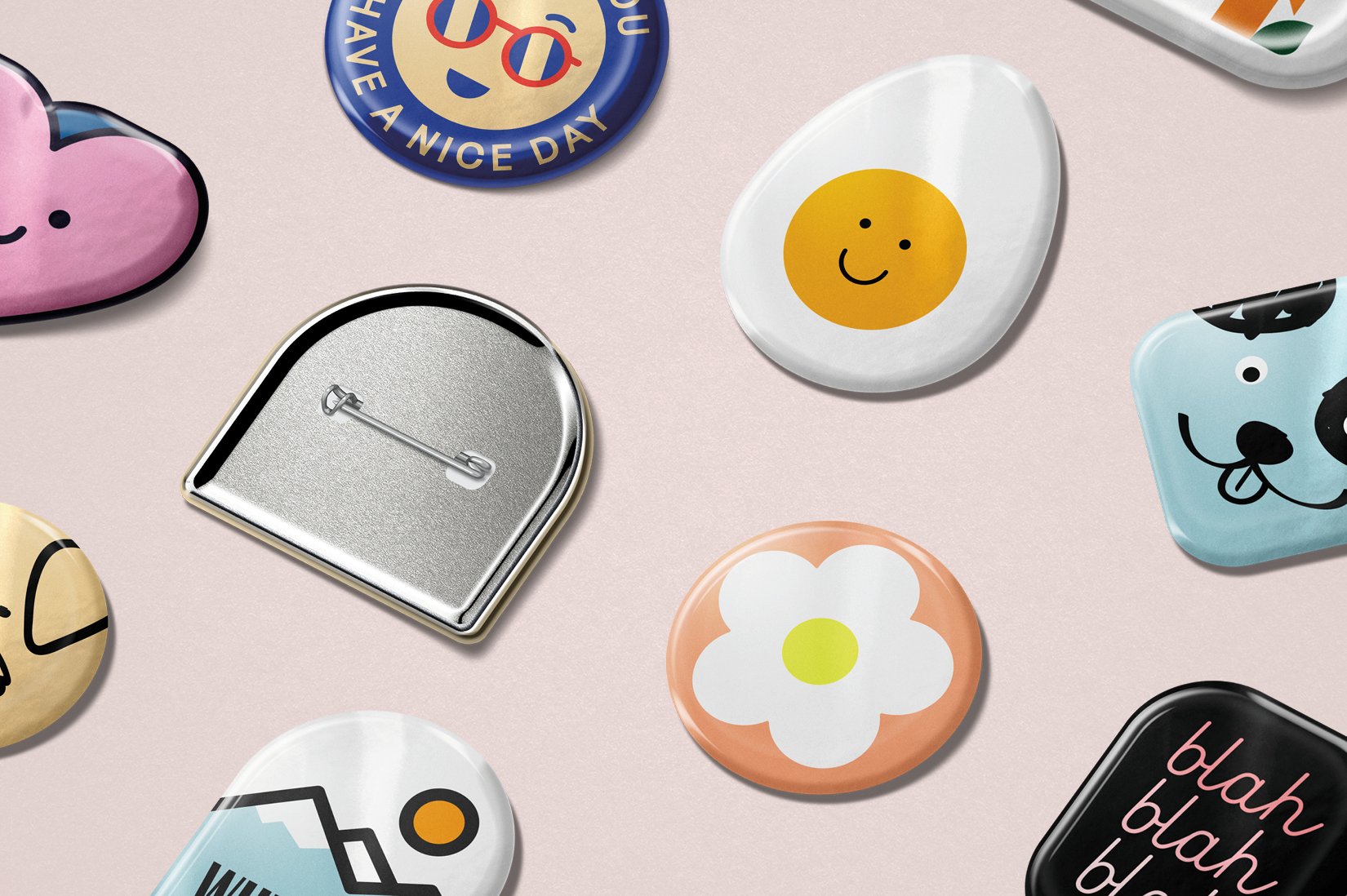
Create bespoke shaped badges in just a few clicks!
Say hello to the Custom Shape Button Badge mockup, the latest release in our range of custom shape mockups.
Super useful for a range of purposes such as branding, logos or illustrations, this mockup extremely easy and quick to use, meaning you can spend more time designing and less time editing.
Features
One high-resolution customizable template and an optional backing card template, both with two different display options, angled and aerial view.
Simply input your art, choose from two pre-set display options and watch your badge design come to life.
Well organised layers for easy navigation
The mockup will also automatically generate the back view of your badge design
Adjust the editable effects to customize your outputs even further
The badges are separated from the background so you can create your own custom compositions
Choose from two shadow angle options
Change the background color, or add your own custom background
A comprehensive PDF Help Guide to guide you through
Specifications
Adobe Photoshop psd files with smart object placement
File Size: 588.6 MB
Dimensions: 4000 x 3000 px
300 dpi
Clean, modern, and made to flex. The Everydays Collection brings together a range of contemporary objects and scenes built for real-world branding.
Fully customisable artwork and background colours let you make it your own — no fluff, just sharp visuals that work hard.
Features
1 x high resolution .psd mockup
Customisable layers so you can tailor the mockup to best suit your artwork
Compatible with Adobe Photoshop only
Specifications
300dpi, fully layered .PSD file
Compatible with Adobe Photoshop
Dimensions: 4468 × 3706 px (horizontally orientated)